A Simple Guide to Microsoft 365 Copilot
A beginner’s guide to using Microsoft Copilot to increase office productivity, generate content, automate work tasks and use AI assistants with confidence
Use Microsoft 365 Copilot with more confidence in everyday work
If your day is full of documents, email, meetings, and spreadsheets, Microsoft 365 Copilot can help you move faster where it counts. This book shows you how to use it in a practical, grounded way so you can draft sooner, summarise faster, and turn busy work into clearer next steps.
Written for office workers, professionals, and students, this is a beginner-friendly guide that starts with the basics and keeps the focus on useful results. You will learn how to ask better questions, shape follow-up prompts, and recognise when Copilot is giving you a grounded answer that reflects your files, emails, meetings, and permissions. Just as important, you will learn when to pause, check, and refine before you act on what Copilot gives you.
Across Word, Excel, PowerPoint, Outlook, Teams, OneNote, and Copilot Chat, you will work through the everyday tasks Copilot is designed to help with: writing, rewriting, summarising, analysing, organising, and catching up. You will also see how it uses work content, transcripts, dates, and source material so you can understand what it can see, what it cannot, and why that matters. The book keeps pace with newer updates too, including support pages, mobile improvements, and the practical features that make Copilot easier to use in real working life.
Inside you will learn how to:
- write clearer prompts that produce useful first drafts, summaries, and plans
- refine answers with follow-up prompts instead of starting over
- use Word to rewrite, summarise, and polish documents before you share them
- ask Excel for patterns, formula help, and plain-English takeaways without losing the logic
- turn notes and source material into cleaner slide outlines in PowerPoint
- catch up on email and meetings faster, then turn them into actions
- work more confidently with files, threads, transcripts, and other grounded sources
This is not about replacing judgement or skipping the basics. It is about learning a simple, repeatable way to work with Copilot so it supports your thinking instead of distracting from it. If you want a practical route into Microsoft 365 Copilot that feels clear, current, and genuinely useful, this guide gives you the habits to get started well.


Also from Codapress
All Books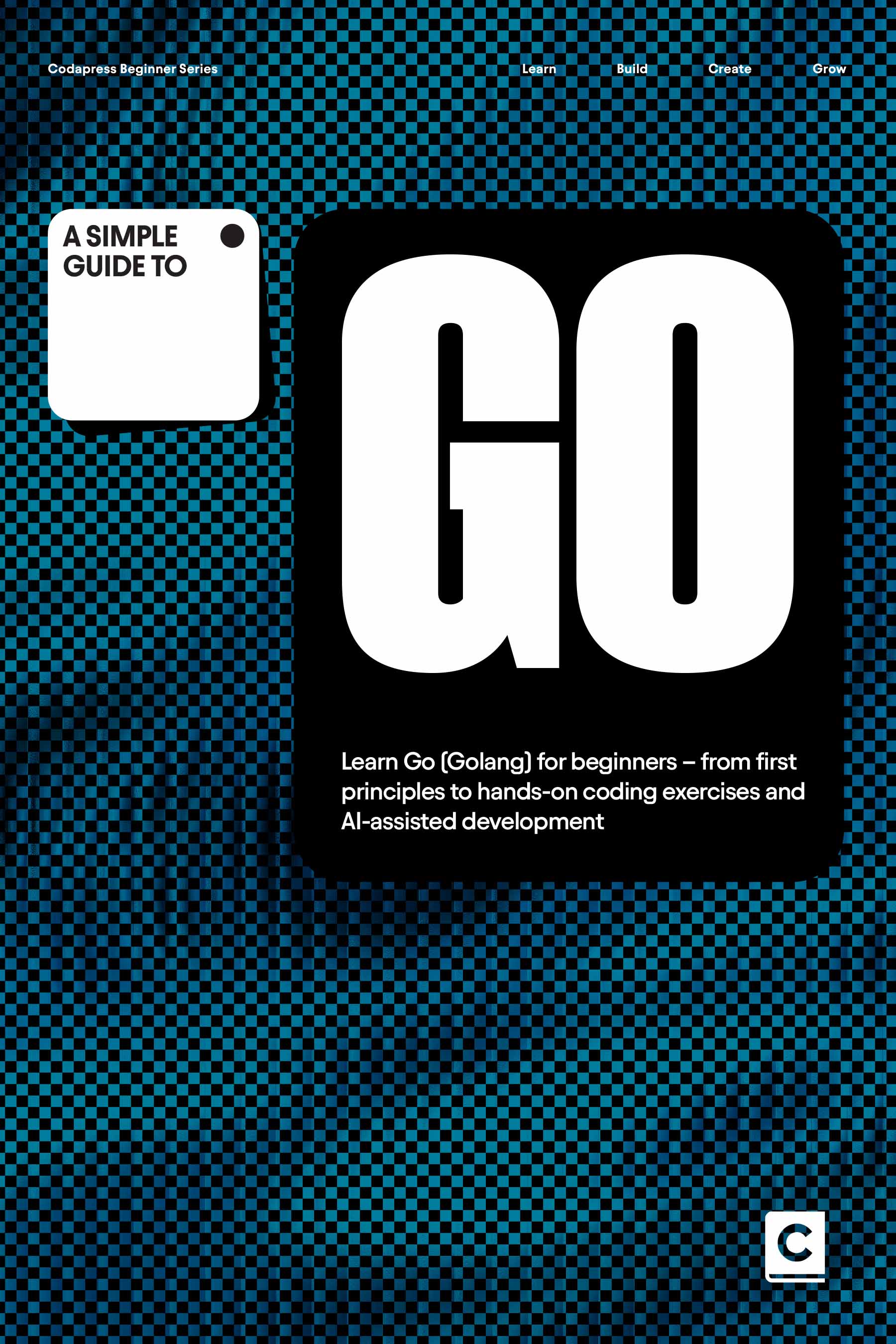
A Simple Guide to Go
Learn Go (Golang) for beginners – from first principles to hands-on coding exercises and AI-assisted development
View detail
A Simple Guide to Cursor
Learn Cursor the easy way – from IDE fundamentals and first installation to real working programms and advanced workflows, take your AI coding to the next level.
View detail
A Simple Guide to Claude Code
Learn Claude Code the easy way – from fundamentals and first installation to real working programms and advanced workflows, take your AI coding to the next level.
View detail
A Simple Guide to Java
Learn Java programming the modern way – from first principles to hands-on coding exercises and AI-assisted development
View detail
A Simple Guide to C++
Learn C++ programming the modern way – from first principles to hands-on coding exercises and AI-assisted development
View detail
A Simple Guide to Javascript
Learn JavaScript the modern way – from first principles to hands-on coding exercises and AI-assisted development
View detail
A Simple Guide to Python
Learn Python engineering the modern way – from first principles to hands-on coding exercises and AI-assisted development
View detail
A Simple Guide to AI Coding
Learn to use AI tools like Claude Code, OpenAI Codex, Cursor and Gemini to build websites, apps and software using plain language prompts.
View detail
Vibe Coding Pro
How to use AI coding and LLMs to improve your workflow, expand your skillset and build projects you only dreamed of.
View detail
Vibe Coding Extra
50 More Fun and Practical AI Coding Projects You Can Build Using Plain Language Prompts Instead of Code.
View detail
Lovable Pro
Build, iterate and deploy web applications using natural language, with real code, security, and enterprise governance
View detail