50 AI Coding Project Ideas You Can Actually Finish This Weekend
Fifty practical, weekend-sized AI coding project ideas for hobbyists and side-project builders who want to ship something real — from bookmark organisers to retro game clones, grouped by theme and difficulty.
The weekend build mindset
A weekend project needs three things: a clear finish line, a scope you can hold in your head, and permission to call it done when it works — not when it is perfect. The fifty ideas below fit that frame. Each can be built in two focused sessions with an AI coding assistant.
The list is grouped into five categories: productivity tools, games, learning tools, creative apps, and data utilities. Within each, projects run from quick warm-ups to more ambitious builds. The goal is a working prototype by Sunday evening, not a production system.
Personal productivity tools
These projects solve small, real problems — your own forgetfulness, a repetitive task at work, or a system you wish existed.
1. Bookmark organiser with AI tagging
Paste in links, let an AI model suggest tags, and surface them in a searchable grid. Start with local storage and add a simple filter bar.
2. Weekly meal planner
A page that shuffles a recipe list into seven days, generates a shopping list, and lets you drag meals between slots. Keep recipes in a JSON file.
3. Habit tracker with streaks
A minimal grid where you tap to mark a habit done. Highlight streaks, reset on misses, and show a seven-day rolling view. No login — all data stays in the browser.
4. Personal expense logger
A single-page app that records what you spent, categorises it via a dropdown, and totals each category. Export to CSV with one click.
5. Domain name checker frontend
A search box that checks domain availability through a free API and suggests creative alternatives by swapping words or adding prefixes.
6. Password generator with strength meter
Sliders for length, symbols, and word count. Copy to clipboard. Show a visual strength bar. No passwords ever leave the page.
7. Invoice generator for freelancers
A form that takes client name, hourly rate, and line items, then produces a printable invoice. Local-only, no server needed.
8. Todo list with priority matrix
The Eisenhower box: urgent/important quadrants. Drag tasks between quadrants. Persist in local storage.
9. Subscription tracker
List all your recurring payments with amounts and renewal dates. Show a monthly total and highlight upcoming renewals in the next seven days.
10. Packing list generator
Pick a trip type (beach, city, camping) and duration. The app produces a checklist you can tick off. Let users add custom items.
11. Time zone converter
A row of clocks showing three time zones side by side. Click one to shift the rest. Useful if you coordinate across regions.
12. Reading list with status
Collect articles you mean to read. Mark them as “queued”, “reading”, or “finished”. Add a notes field for each.
The projects in each section span different time commitments:
| Difficulty | Approx time | What it involves |
|---|---|---|
| Quick | 1–2 hours | HTML + CSS + vanilla JS |
| Medium | 2–4 hours | Add local storage, filtering |
| Extended | 4–6 hours | Add drag-and-drop, export |
Fun and games
Games are the best way to stay motivated because the feedback loop is instant and delightful. Even a simple game teaches layout, state management, and event handling.
13. Clicker game
A button that increments a score. Add multipliers, auto-clickers, and a prestige reset. The mechanics of a full idle game in 500 lines of JavaScript.
14. Word guessing game
Pick a word, show blank tiles, let the player guess letters. Track wrong guesses with a simple visual. Pull from a dictionary API.
15. Memory card match
A grid of face-down cards. Flip two — if they match, they stay revealed. Track moves and time. Adjustable grid size.
16. Tic-tac-toe against a simple AI
A three-by-three board. The computer opponent uses the minimax algorithm for perfect play. Let the player choose X or O.
17. Dice rolling simulator
Roll one to six dice. Animate the tumbling. Show totals and a history log. Add preset rolls like “2d6” or “3d8”.
18. Text-based adventure
A branching story engine. Each screen shows narrative text and 2–4 choices. The AI can generate the story JSON; you build the renderer. Paste this into your AI assistant:
Generate a branching story JSON for a short text adventure set in an abandoned space station. Include 8 scenes with 2–3 choices per scene. Each scene should have: id, title, narrative text, and an array of choices with nextSceneId labels. Output valid JSON only.

Example format:
{
  "scenes": [
    {
      "id": "start",
      "title": "Air Lock",
      "narrative": "...",
      "choices": [
        { "text": "Enter the corridor", "nextSceneId": "corridor" }
      ]
    }
  ]
}
19. Reaction time test
Show a screen that turns green at random intervals. Click as fast as you can. Log your last ten times and calculate an average.
20. Simon-style memory game
Four coloured buttons light up in a sequence. Repeat it to progress. Each round adds one more step. Speed up as the sequence grows.
21. Mini golf scorecard
Enter strokes per hole for a round. Calculate total and show a running comparison against par.
22. Random colour palette generator
Generate five harmonious colours. Show hex codes, let you lock a colour you like, and reshuffle the rest. Copy any code with a click.
23. Pixel art editor
A grid of squares you can toggle by clicking. Pick a colour, draw freehand. Export the result as a PNG or as ASCII.
24. Trivia quiz with timer
Load a set of questions, show a 15-second countdown per question, and score at the end. Pull questions from a free trivia API.
| Project | Key concepts you will learn |
|---|---|
| Clicker game | State machine, intervals, exponential scaling |
| Memory match | Array shuffle, event delegation, CSS flip animation |
| Text adventure | JSON data structures, conditional rendering |
| Reaction test | requestAnimationFrame, timestamp comparison |
Learning and education
If you are learning a new language, framework, or domain, a weekend project that teaches you something is doubly valuable.
25. Flashcard app with spaced repetition
Show a question, reveal the answer, rate how well you knew it. Schedule the next review based on your rating. A simple SM-0 algorithm fits in fifty lines.
26. Typing speed test
Display a passage, measure words per minute and accuracy in real time. Highlight the current word and mark mistyped characters.
27. Quiz builder
A form where you write questions and multiple-choice answers, then play the quiz you just created. Export/import as JSON.
28. Vocabulary builder with example sentences
Show a word, its definition, and three example sentences. Let the user mark it “known” or “review later”. Use a free dictionary API for lookups.
29. Code snippet reference
A searchable list of short code snippets organised by language. Each snippet has a title, the code itself, and a one-line explanation. Local editing.
30. Music note trainer
Play a random note (using the Web Audio API). The player clicks which note they heard on a virtual keyboard. Track accuracy.
31. Morse code translator
Type English, see Morse. Tap Morse, see English. Add a beep button that plays the sound for each dot and dash.
32. Interactive periodic table
A grid of elements. Click one to see its atomic number, mass, and a fun fact. Colour-code by group (metal, gas, etc.).
33. Calculator with history
A fully working calculator that stores the last 20 calculations in a scrollable sidebar. Support basic operations plus square root and percentage.
34. Chess move visualiser
A board that accepts algebraic notation (e4, Nf3) and shows the move on the grid. No AI opponent needed — just notation input. The page structure might look like this:
<!DOCTYPE html>
<html lang="en">
<head>
  <meta charset="UTF-8">
  <title>Notation Visualiser</title>
  <style>
    .board {
      display: grid;
      grid-template-columns: repeat(8, 60px);
      grid-template-rows: repeat(8, 60px);
    }
    .square { width: 60px; height: 60px; }
    .square.light { background: #f0d9b5; }
    .square.dark  { background: #b58863; }
  </style>
</head>
<body>
  <div class="board" id="board"></div>
  <input id="notation" placeholder="e4">
  <script>
    // Build 8x8 grid, highlight squares from notation
  </script>
</body>
</html>
Content and creative tools
These projects produce something shareable — an image, a page, or a formatted document. They are satisfying because the output is visible immediately.
35. Markdown previewer
A split-pane editor: type Markdown on the left, see rendered HTML on the right. Add a copy-HTML button. Use a lightweight client-side parser.
36. Daily journal with prompts
A clean writing surface. Each day shows a random prompt (pick from a curated list). Entries saved by date. Browse past entries in a sidebar.
37. Emoji mood tracker
Pick an emoji each day to describe your mood. A calendar grid shows the month at a glance. Colour intensity reflects your entries.
38. Quote generator
Cycle through a curated collection of short quotes. Add a “copy as image” button that renders the quote on a gradient background using canvas.
39. SVG pattern maker
A toolbar with shape, colour, and rotation controls. The output is a repeating SVG pattern you can download or paste into a web project.
40. ASCII art generator
Upload a small image or paste text. Convert to ASCII characters based on brightness. Adjust the character set and scale.
41. Simple GIF creator
Upload a few frames (dragged into order), set a delay, and stitch them into an animated GIF using a browser-side library.
42. Blog post idea scraper
Paste a URL or a topic. The app uses a local keyword extraction (no API) to suggest five related blog post angles.
43. Mood board builder
A grid where you drag in images from URLs, arrange them, and export the layout as a screenshot. Use html2canvas for the export.
44. Colour contrast checker
Pick two colours with colour pickers. Show the contrast ratio and whether it passes WCAG AA and AAA at normal and large text sizes.
Data and utilities
These scratch an analytical itch — sorting, searching, converting, and visualising.
45. CSV viewer and filter
Drag in a CSV file. Display it as a sortable table. Add a text filter that narrows rows by any column. Show row count.
46. Unit converter
Convert between metric and imperial for length, mass, volume, and temperature. Swap direction with one click. History of recent conversions.
47. JSON formatter and validator
Paste JSON, get a prettified tree view with syntax highlighting. Show validation errors inline. Collapse and expand nested objects.
48. Countdown timer to a date
Pick a future date. Show days, hours, minutes, seconds ticking down. Save multiple timers in local storage.
49. Workout log
Log exercises, sets, reps, and weight. View progress per exercise over time. Simple bar chart using canvas or SVG.
50. Public transport departure board
For a specific station or stop, show the next five departures. Use a free transport API. Style it like a real departure board — black background, orange text.
Choosing the right project
Not all weekend projects are equal. Some reward quick wins; others teach something you will use next month.
| If you want… | Pick from… |
|---|---|
| A finished demo in under 3 hours | 13, 14, 17, 19, 24, 46 |
| Something you will actually use | 1, 4, 8, 9, 29, 35, 45 |
| To learn a new skill | 20, 25, 26, 30, 34 |
| A shareable creative output | 22, 35, 38, 39, 41, 43 |
| A portfolio piece | 11, 21, 27, 32, 40, 50 |
How to prompt an AI for any of these
The single most important habit is splitting the project into slices. Do not ask for the whole thing at once. Here is a template that works for any of the fifty ideas above.
I want to build [project name] as a single HTML file with embedded CSS and JavaScript. I need:

1. A working version of the core feature: [describe the main interaction]
2. It must work offline with no server or API key
3. A clean, mobile-friendly layout (no framework)

Do not add:
- User accounts, databases, or backend code
- Analytics or trackers

Start with a working prototype that I can open in a browser. Explain what each section of the code does so I can make changes myself.

After the first version is ready, I will ask for specific improvements.
Build the core interaction first. Add polish on the second pass. Stop when it works.
One final thought
The difference between an idea and a project is a single working file. These fifty ideas all resolve to something you can open in a browser, click around, and call your own. Pick one, open your AI assistant, and prompt the first slice.
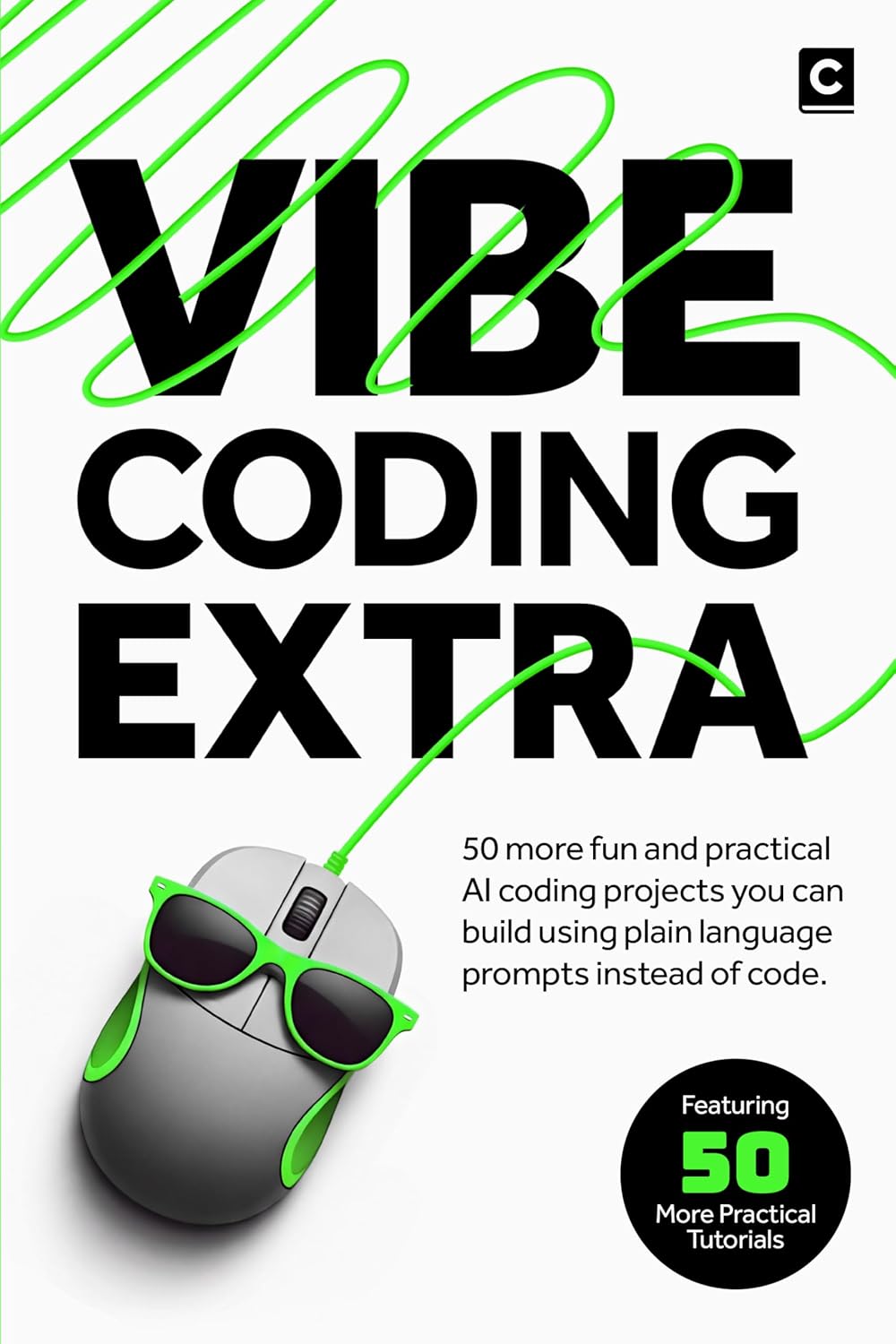
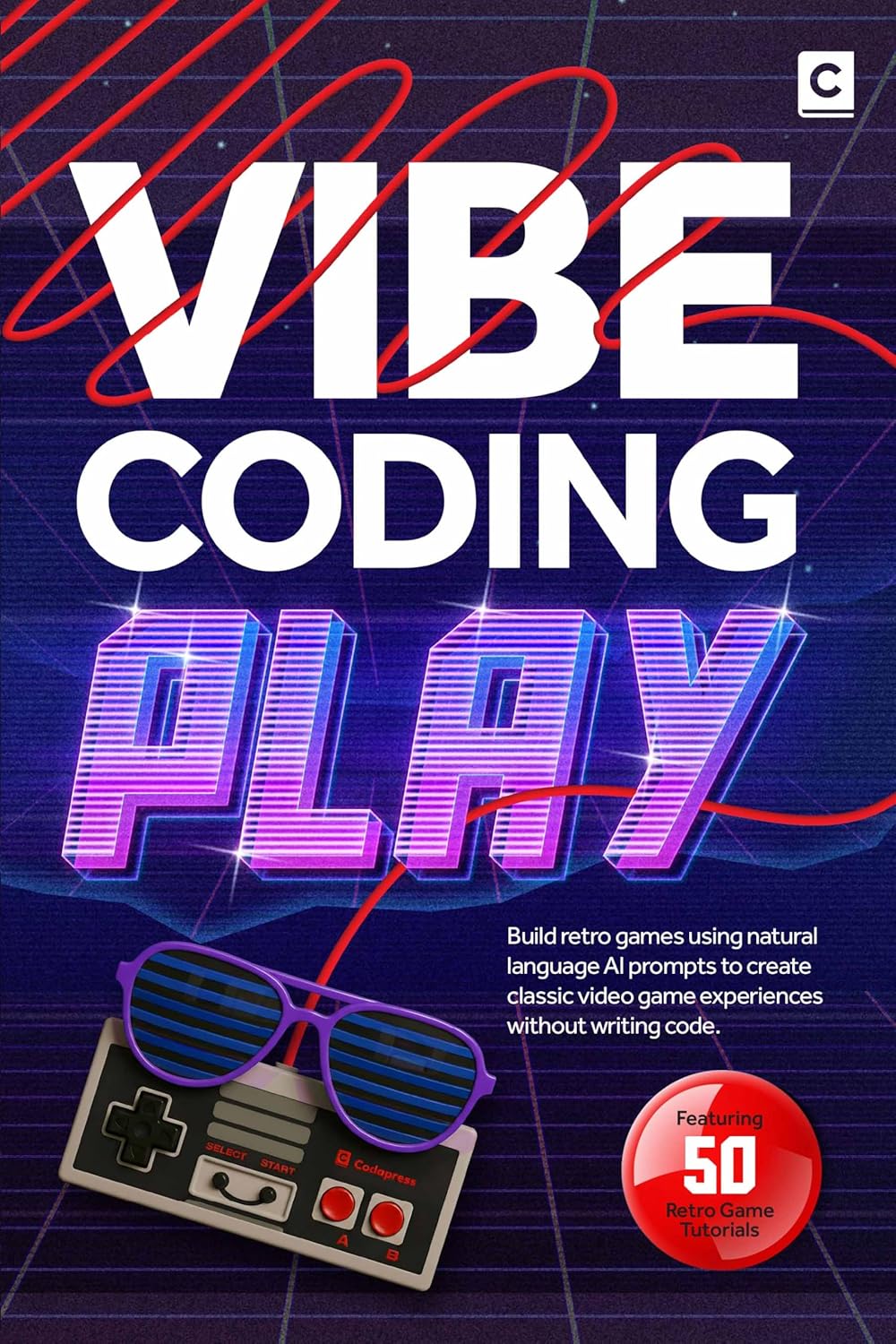
You can find deeper walkthroughs for several of these project types in the Codapress Vibe Coding Play and Vibe Coding series, which cover full builds from prompt to publish.
Happy shipping.
Further reading
More insights
All ArticlesJavaScript for Vibe Coders: The Minimum You Need to Read What the AI Wrote
Learn just enough JavaScript to read AI-generated front-end code — variables, functions, DOM basics, and the red flags that mean you should ask again.
Read articleLearn Python with AI Without Skipping the Fundamentals
Use Copilot and chat to learn Python faster — without skipping syntax, debugging habits, or the fundamentals that make AI output trustworthy.
Read articleA 90-Day Roadmap for Rolling Out Agentic Coding on Your Team
Roll out agentic coding without the chaos — a phased plan that gives your team standards, governance, and a rollout pace they can actually sustain.
Read articleContext Windows, Memory, and Why Your AI Keeps "Forgetting" the Project
Discover why your AI loses track of your project mid-session and how context windows, memory files, and smart prompting keep conversations on track.
Read article