A simple guide to Vibe Coding
A practical vibe coding guide for beginners: what it is, what you need, how to prompt AI tools, and how to check results without becoming a full-time developer.
Why vibe coding matters now
Answer in brief: Vibe coding means you describe what you want in plain language, an AI coding tool drafts the software, and you steer until the result feels right — without needing to type every line yourself.
Software has always rewarded people who could write code from scratch. That is changing. Large language models can now turn plain English into working websites, small apps, scripts, and games — if you know how to guide them.
That is the heart of vibe coding: you describe what you want, the AI drafts the technical work, and you steer until the result feels right. The term was popularised by Andrej Karpathy, who described building software by accepting AI suggestions, staying in flow, and fixing things as you go. You do not need a computer science degree to learn to vibe code. You need curiosity, clear language, and a willingness to check what the machine produces.
This vibe coding guide is written for hobbyists, side-project builders, and anyone who has thought, “I have an idea, but I am not a developer.” If that sounds like you, you are exactly the reader this guide is for.
Explore this hub
Practical follow-ups from Codapress Insights (each owns a narrower question):
- How to Scope an App Idea Before You Prompt an AI
- Frontend, Backend, and Hosting Explained for Vibe Coders
- Your First Landing Page with AI
- How to Review AI-Generated Code When You Are Not a Programmer
- Small Slices: Why Building in Tiny Steps Works Better with AI
- From Prompt to MVP: A Realistic Timeline for Non-Technical Founders
- Learn Python with AI Without Skipping the Fundamentals
- JavaScript for Vibe Coders: The Minimum You Need to Read What the AI Wrote
What vibe coding is (and is not)
Vibe coding is not magic, and it is not “press a button and retire.” It is a conversation with an AI coding assistant. You explain the goal, answer follow-up questions, request changes, and test the output.
It is also not the same as traditional programming, where you memorise syntax and type every line yourself. In vibe coding, you are the director. The AI is a fast, occasionally overconfident collaborator.
| You bring | The AI brings |
|---|---|
| The idea and the “done” feeling | Draft code, file structure, explanations |
| Judgement about what looks right | Speed and breadth across languages |
| Testing in a browser or on your phone | Iteration when you ask for changes |
Think of it as a keen junior helper who never sleeps — helpful, but you still read the work before you ship it.
What you need before you start
You do not need an expensive setup. Most beginner projects run happily on a normal laptop and a free or low-cost AI tool. Before your first session, gather four things.
A clear problem. “Build me an app” is too vague. “A one-page site that lists my plant collection with photos and watering notes” is workable.
An AI coding environment. Options include browser-based builders (Replit, Lovable, Bolt), desktop assistants (Cursor, GitHub Copilot), or chat tools with code output (ChatGPT, Claude). Pick one and stay with it for your first few projects so you learn its habits.
A place to preview results. For websites, that is usually a browser. For small scripts, it might be a terminal or a “Run” button inside your tool.
Patience for small steps. Work in slices: header first, then layout, then the form — not the whole product in one prompt.
Your first session: a simple workflow
Whether you are a complete beginner or returning after a break, the same five-step loop keeps you in control.
- Describe the outcome in everyday language.
- Ask for one slice of the project, not the whole thing.
- Run or preview what you received.
- Give specific feedback (“make the button orange,” “the text overlaps on mobile”).
- Repeat until it matches your intent.
Here is a realistic opening prompt for a personal project page:
I want a single-page website for my weekend baking hobby.

Requirements:
- Warm, friendly colours (cream background, dark brown text)
- A header with the title "Dave's Sourdough"
- Three recipe cards in a row on desktop, stacked on mobile
- Each card has a title, short description, and a "View recipe" button (no links yet)
- Use HTML and CSS only for now

Please explain what files you created and how I can preview the page locally.
That prompt works because it names the audience (you), the scope (one page), the visual direction, and the constraint (HTML and CSS only). Specificity beats poetry every time.
Reading the output without panicking
When the AI returns code, you will see file names and blocks of unfamiliar text. That is normal. You do not need to understand every character to make progress.
Start with structure. A simple site might include:
<!DOCTYPE html>
<html lang="en">
<head>
  <meta charset="UTF-8">
  <title>Dave's Sourdough</title>
  <link rel="stylesheet" href="styles.css">
</head>
<body>
  <header>
    <h1>Dave's Sourdough</h1>
  </header>
  <main class="recipe-grid">
    <!-- recipe cards here -->
  </main>
</body>
</html>
Even if CSS looks intimidating, you can still ask sensible questions: “What does this class do?” or “Which line controls the button colour?” The model will explain in plain English. That back-and-forth is central to how you learn to vibe code over time.
Prompts that save you time
Good vibe coding relies mostly on good communication. These patterns appear in almost every successful project.
State constraints early. Mention devices (“must work on iPhone”), languages (“Python only”), or limits (“no paid APIs”).
Show an example. “Like a simplified Notion table” or “similar to the BBC weather page layout” gives the AI a visual anchor.
Ask for a plan first. When a task feels large, request an outline before any code:
Before writing code, list the files you would create for a habit-tracking web app with local storage only. Keep it to five files or fewer and explain what each one does in one sentence.Request diffs or small changes. Once a base exists, say “change only the header font size” rather than regenerating everything.
End with a test checklist. Ask the AI what you should click, resize, or refresh to confirm the change worked.
Checking your work (the non-negotiable part)
Vibe coding is fast. It is not automatically correct. Treat every AI output as a first draft.
Open the project in a browser and click every button. Resize the window to phone width. If something stores data, refresh the page and see whether it persists. Read error messages aloud — it helps you spot obvious problems.
When output handles personal data, passwords, or payments, slow down. Free tier tools and quick prototypes are fine for learning; production systems deserve extra scrutiny or a human developer review. Security is the main place where “good enough for a demo” is not good enough for the public.
Common mistakes — and easy fixes
One giant prompt. Split the work. Build the layout, then add interactivity, then polish styling.
Accepting the first answer. The first draft is a starting point. Ask for two alternatives if something feels off.
No saved copy. Download or commit your files regularly. AI sessions can time out or lose context.
Chasing perfection. Ship a small version that works. You can always ask for “version two” once you have seen real users — even if that user is just you on a Sunday afternoon.
Assuming the AI knows your project history. Paste a short recap when you start a new session: what exists, what broke, what you want next.
Project ideas to try this weekend
If you want structured practice, pick one bounded build:
- A landing page for a local club or community group
- A personal portfolio with three project screenshots
- A simple quiz page for friends (with a score at the end)
- A retro-style game prototype — ideal if you enjoy playful experiments
Each of these teaches layout, feedback loops, and testing without requiring a backend on day one. Games and playful builds are especially good for building confidence quickly.
Where to go next
You now have a practical map: choose a tool, scope a small project, prompt in slices, preview often, and review before you share. That is the full loop — and you can repeat it on anything from a family newsletter site to a side-hustle landing page.
Best next step (books)
| If you want… | Start with |
|---|---|
| Step-by-step beginner builds | Vibe Coding for Beginners |
| Playful / game prototypes | Vibe Coding Play |
| Turning prompts into products | Vibe Coding Millionaire |
Keep one rule above all: stay curious, stay specific, and never skip the bit where you actually open the thing and try it.
Happy building.
Further reading
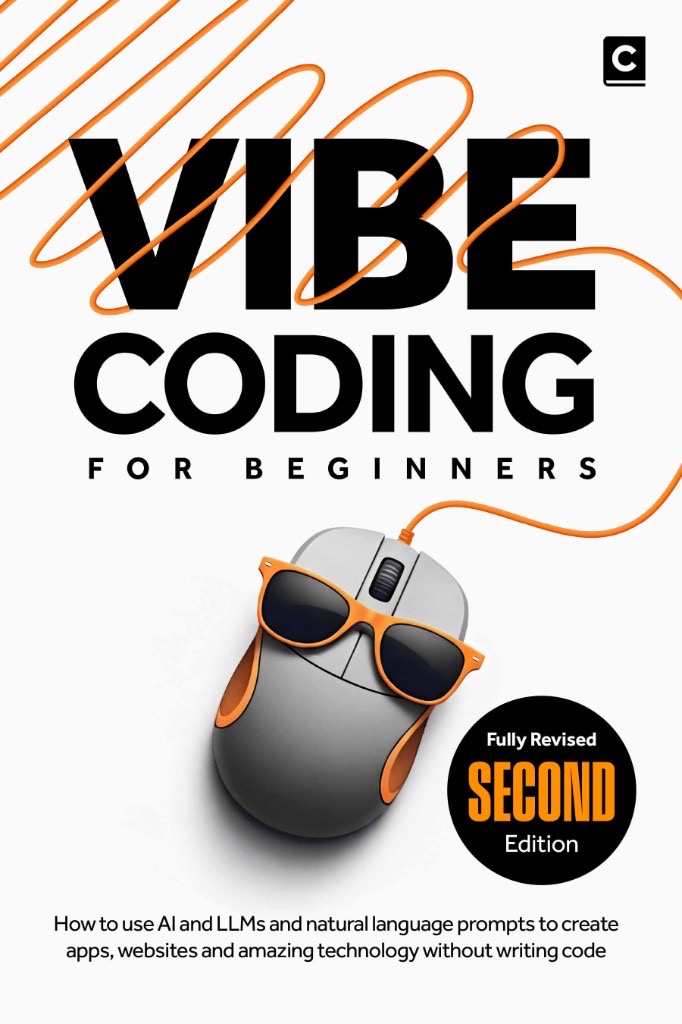
How to use AI and LLMs to create apps, websites and amazing technology — without needing to be a programmer or write code from scratch
View book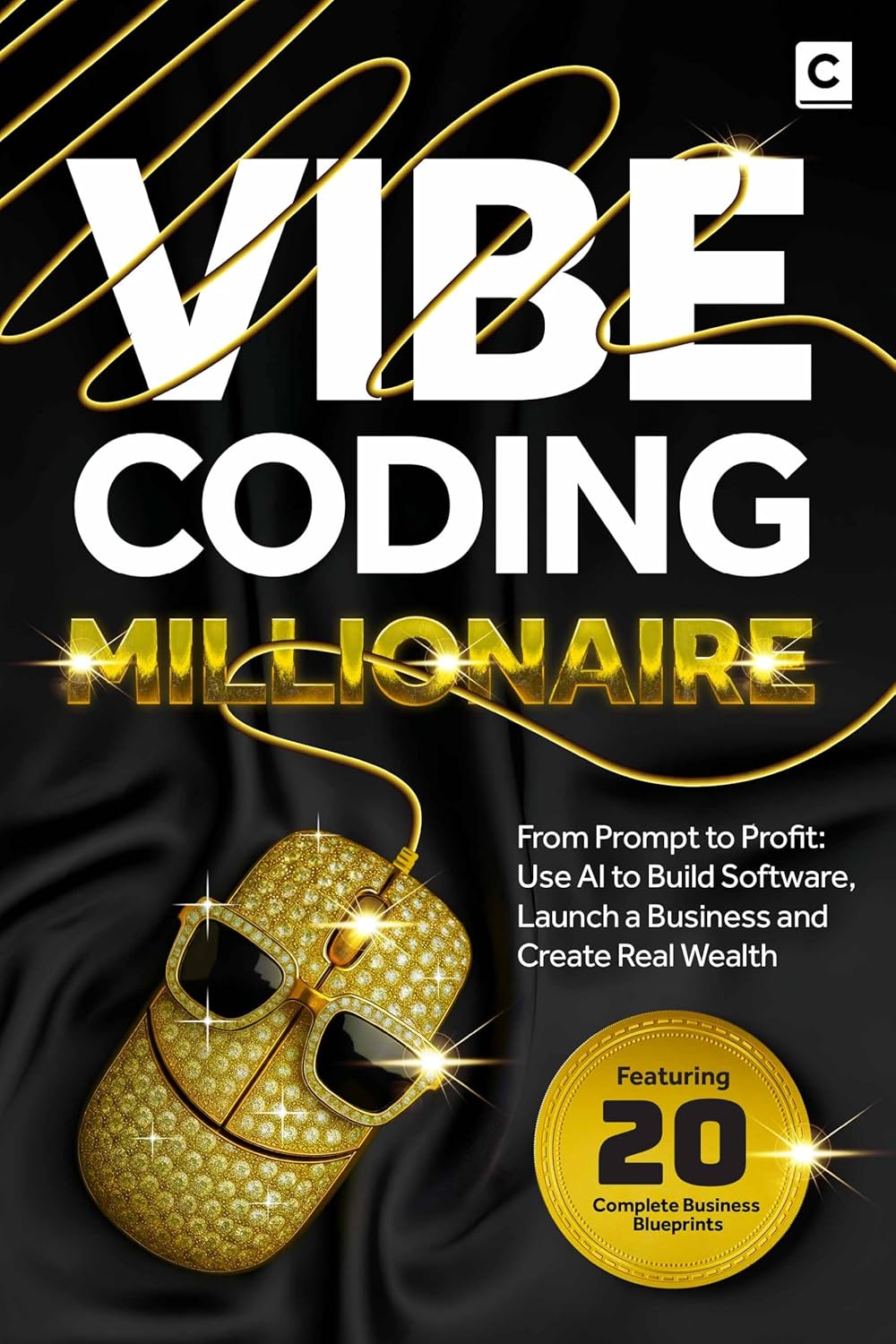
From Prompt to Profit: Use AI to Build Software, Launch a Business and Create Real Wealth
View book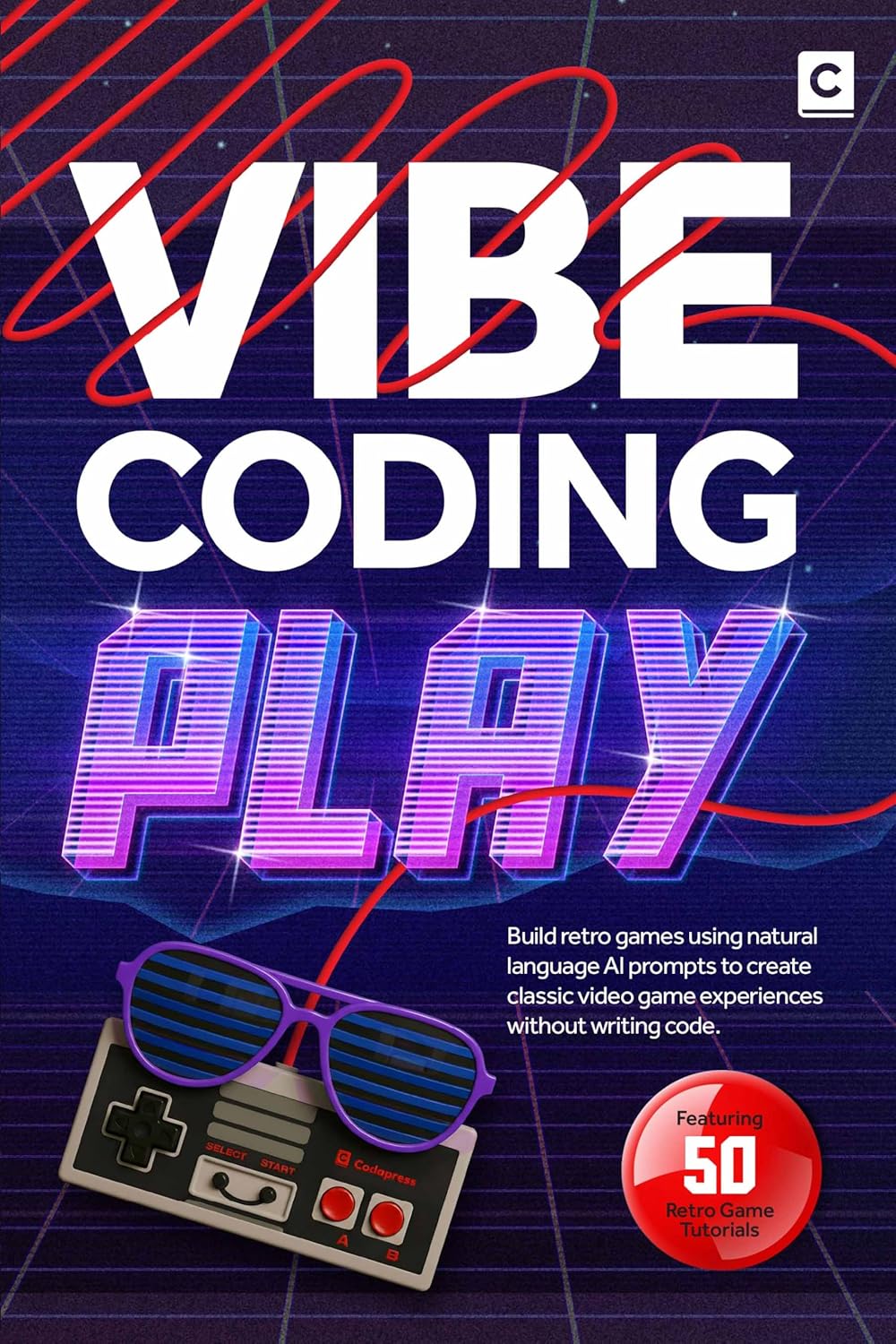
Build retro games using natural language AI prompts to create classic video game experiences without writing code
View bookMore insights
All ArticlesJavaScript for Vibe Coders: The Minimum You Need to Read What the AI Wrote
Learn just enough JavaScript to read AI-generated front-end code — variables, functions, DOM basics, and the red flags that mean you should ask again.
Read articleLearn Python with AI Without Skipping the Fundamentals
Use Copilot and chat to learn Python faster — without skipping syntax, debugging habits, or the fundamentals that make AI output trustworthy.
Read articleA 90-Day Roadmap for Rolling Out Agentic Coding on Your Team
Roll out agentic coding without the chaos — a phased plan that gives your team standards, governance, and a rollout pace they can actually sustain.
Read articleContext Windows, Memory, and Why Your AI Keeps "Forgetting" the Project
Discover why your AI loses track of your project mid-session and how context windows, memory files, and smart prompting keep conversations on track.
Read article