Cursor vs Claude Code vs GitHub Copilot: A Practical Comparison for 2026
See how Cursor, Claude Code, and GitHub Copilot compare across real workflows — and which AI coding tool fits your team and project in 2026.
Answer in brief: In 2026, pick Cursor for an AI-native IDE with project rules, Claude Code for a terminal-first agent, and GitHub Copilot when you want deep GitHub/VS Code integration — then deepen the winner with a focused guide rather than collecting every tool.
Three AI coding tools dominate development workflows in 2026. Cursor has evolved into a standalone IDE with deep agentic workflows. Claude Code has carved out a distinct identity as a terminal-first coding agent. GitHub Copilot has moved well beyond autocomplete to offer multi-file editing, agent mode, and Copilot Workspace.
The choice is no longer about which has the best completions — all three are strong. The real question is how each tool fits your workflow, team practices, and project types. This comparison focuses on day-to-day differences rather than benchmark scores or marketing claims. Setup tutorials (for example Getting Started with Claude Code) own installation; this page owns the buyer’s comparison.
Explore this hub
- Getting Started with Claude Code
- Cursor Rules, .cursorrules, and Project Context That Sticks
- OpenAI Codex in the Terminal
- Lovable for Founders
- Google Antigravity and Gemini
- Context Windows, Memory, and Why Your AI Keeps “Forgetting”
What each tool brings to the table
Each tool has a different design philosophy. Understanding that matters more than comparing feature checklists, because it determines how the tool behaves on complex tasks.
Cursor is an IDE-first experience: you open a project, define conventions once in .cursorrules, and work inside a familiar multi-pane editor. Its mode system lets you switch between Tab Completion, Inline Edit, Ask, and full Agent mode. The agent can read your file tree, create files, run terminal commands, and reason across the entire codebase.
Claude Code takes the opposite approach — a terminal-native agent with no graphical editor. You run claude in your project directory, and it reads, writes, and executes shell commands through natural language. Anthropic’s Claude Code overview describes it as an “agentic coding tool” for deep repository work. Its granular permission model lets you grant read-only, read-write, or full shell access per session.
GitHub Copilot began as inline autocomplete and has expanded to include Chat, multi-edit mode, and agent capabilities inside VS Code, JetBrains, and Neovim. Its strength remains tight integration with the GitHub ecosystem: pull requests, Copilot Workspace, and AI-assisted code review all sit on the same platform. GitHub’s Copilot documentation tracks the latest rollouts.
| Dimension | Cursor | Claude Code | GitHub Copilot |
|---|---|---|---|
| Primary interface | IDE (VS Code fork) | Terminal / CLI | IDE extensions (VS Code, JetBrains, Neovim) |
| Origin | VS Code fork with AI layer | Terminal agent (Anthropic) | GitHub / OpenAI partnership |
| Core strength | Multi-mode agent, rules system | Deep repository analysis, CLI workflows | GitHub integration, editor-native speed |
| Model access | GPT-4o, Claude, Sonnet, custom models | Claude models only | GPT-4o, Claude option |
| Pricing | Pro £20/mo, Business £40/mo | Pro £20/mo (usage-based cap) | Individual £10/mo, Pro £22/mo, Enterprise custom |
| Free tier | Limited completions | Limited sessions | Free with Microsoft account |
Cursor: the full-IDE approach
Cursor is the most established of the three as a standalone development environment. When you open a project in Cursor, the AI is present at every level — inline completions as you type, an editable chat panel that references your open files, and an Agent mode that can plan and execute multi-step changes across your codebase.
The rules system is Cursor’s standout feature. A .cursorrules file in your project root sets global conventions — coding style, testing framework, dependency management — and the agent applies them automatically. This means you do not repeat preferences across sessions, and teams can share a single rules file that keeps everyone’s output consistent.
Create a .cursorrules file for a TypeScript Express API with the following conventions:

- Use async/await over raw promises
- Zod for request validation
- Vitest for unit tests, placed in __tests__/ directories
- Prefer functional helpers over classes
- Error responses use a consistent { error: string, code: number } shape
- No barrel exports (index.ts re-exports are banned)

Write the file in TOML format so that Cursor's agent follows these conventions without being reminded.
Cursor’s mode system lets you dial agent autonomy up or down. Tab Completion handles single-line suggestions while you type. Inline Edit targets a specific selection. Ask mode answers questions without touching files. Agent mode reads the whole project, makes cross-file changes, and runs tests and terminal commands as part of its workflow.
For teams, the Business tier adds centralised rules management, admin-controlled model access, and usage reporting. The Cursor Pro book covers when to use each mode and how to design rule systems that prevent the agent from overreaching in shared repositories.
Claude Code: terminal-first agentic coding
Claude Code has no graphical interface — you interact entirely through the terminal: claude "add input validation to the login route". It reads, edits, and tests your code using only the filesystem and shell access you grant.
This design makes it exceptionally good at automation. You can run it headlessly in CI pipelines, pipe prompts from other tools, and chain sessions in a single shell workflow. It supports interactive mode (asking before each change) and headless mode (execute and exit), which maps naturally to different stages of a delivery pipeline.
I need to refactor the authentication middleware in this Express app.

1. Move auth logic from routes/auth.ts into a middleware/ directory
2. Extract the JWT verification step into its own helper function
3. Add comprehensive error handling for expired and malformed tokens
4. Update all route files that import the old auth function
5. Run the test suite and report any failures

Work file by file. Show me the diff for each change before you apply it.
Claude Code’s permission model is the most granular of the three. You can scope a session to read-only so the agent analyses your code without modifying anything. You can grant read-write access to specific directories while blocking others. And you can grant full shell access only when you trust the prompt and the model’s execution plan. This makes Claude Code a strong candidate for regulated environments where audit trails and bounded agent autonomy matter.
Another advantage is context depth. Claude models support very long context windows, which means Claude Code can hold an entire moderate-sized codebase in its working memory during a session. That translates to fewer “I do not see that file” errors and more coherent cross-file refactoring. The Claude Code Pro book covers headless automation patterns, permission configuration, and how to integrate Claude Code into team CI/CD pipelines.
Because Claude Code lives in the terminal, it pairs naturally with tmux, remote SSH sessions, and build servers — a genuine advantage for infrastructure engineers and site reliability teams.
GitHub Copilot: the incumbent evolves
GitHub Copilot commands the largest installed base by a wide margin. The 2025 and 2026 updates have closed the gap with Cursor and Claude Code on several fronts.
Copilot’s Agent mode (still in preview but maturing rapidly) can read your project structure, propose multi-file edits, and execute terminal commands. Its inline completions remain best-in-class for raw speed — noticeably lower latency than alternatives. The Copilot Chat panel handles open-ended questions, explains selected code, and orchestrates refactoring.
The biggest differentiator is Copilot Workspace, a browser-based environment where you describe a feature in natural language and review a complete pull request before any code touches your repository. It starts from a GitHub issue, generates a plan, lets you refine it, and produces a full PR with diffs, tests, and summaries.
I need to add a password reset flow to this Next.js app.

Requirements:
- User enters their email on a /forgot-password page
- A reset link is sent (mock the email for now — log the link to console)
- The link includes a JWT token that expires in 1 hour
- The /reset-password page validates the token and shows a new password form
- On success, update the password hash in the database and redirect to /login

Start by listing the files you will create or modify. Then implement each one, running the build after each file.
For teams already on GitHub, Copilot’s ecosystem integration is hard to beat. AI-generated PR summaries, code review suggestions, and issue-linked workspace sessions all share the same authentication, permissions, and notification infrastructure. The GitHub Copilot Pro book covers team integration patterns, custom instructions, and how to configure Copilot for project-specific conventions.
The main trade-off is platform lock-in: Copilot’s best features depend on GitHub hosting your repositories. Teams using GitLab, Bitbucket, or self-hosted Git will find some capabilities limited.
Side-by-side comparison
For developers who work across multiple projects and teams, the choice often comes down to how each tool handles common scenarios.
| Scenario | Best fit | Why |
|---|---|---|
| Quick inline completions while typing | GitHub Copilot | Fastest latency, best at single-line suggestions |
| Multi-file refactoring with rules | Cursor | .cursorrules system keeps changes consistent |
| Headless CI automation | Claude Code | Terminal-native, granular permissions, scriptable |
| PR review and feature planning | GitHub Copilot | PR summaries, Copilot Workspace, issue-driven flow |
| Team convention enforcement | Cursor | Rules files are shareable, version-controllable |
| Complex analysis with large context | Claude Code | Long context window, strong at reasoning tasks |
| Security-constrained environments | Claude Code | Read-only and scoped-access modes built in |
| Budget-conscious individual | GitHub Copilot individual plan | Lowest entry price at £10/mo |
A practical workflow comparison
To make the comparison concrete, here is how each tool handles the same task: adding a new API endpoint to an existing project.
In Cursor, open the project, switch to Agent mode, and reference the conventions already in your .cursorrules file:
Add a GET /api/teams endpoint that returns a list of teams from the database. Follow our existing patterns — use the Prisma client from lib/prisma.ts, wrap in try/catch with our error handler, and add a test in __tests__/api/teams.test.ts.Cursor reads the route files, applies conventions from .cursorrules, and creates or modifies files. You review each diff in the IDE, run tests, and accept or reject changes at the file level.
In Claude Code, run claude in the project root:
Add a GET /api/teams endpoint. Look at the existing route files under src/routes/ for the pattern. Use the Prisma client from lib/prisma.ts. Wrap the handler in try/catch with our error utility. Write a test file alongside. Show me each diff before you apply it.Claude Code reads the whole repository, proposes changes as terminal diffs, and asks for confirmation before touching each file. You step through its plan interactively.
In GitHub Copilot, open the route file and start typing — Copilot suggests the implementation inline from existing patterns. For multi-file changes, use Copilot Chat or Agent mode. Copilot Workspace takes a different approach: start from a GitHub issue, review the generated plan, and approve a full PR.
Choosing the right tool for your team
There is no universal winner. Each tool excels in a different context, and many developers run two side by side.
Cursor is the strongest choice if you want a self-contained IDE with a powerful rules system and mode-based agent control. It works especially well for teams that codify conventions in .cursorrules and share them across projects. A Simple Guide to Cursor covers the editor’s full feature set, from installation to advanced agent patterns.
Claude Code is the best option if you live in the terminal, need headless automation, or value deep context windows for complex analysis. Its permission model suits security-conscious environments, and its scripting potential opens automation use cases that IDE-first tools cannot match.
GitHub Copilot is the safe bet for teams already in the GitHub ecosystem. Its autocomplete speed is unmatched, and the ecosystem integration — PR summaries, AI review, issue linking — creates a cohesive experience the other tools cannot replicate without leaving the platform.
The verdict
Cursor, Claude Code, and GitHub Copilot have all matured into professional-grade tools. The differences in 2026 are less about raw capability and more about workflow philosophy: IDE-first, terminal-first, or platform-first.
Try all three on a real project and pay attention to which one makes you faster without making you less careful. The right tool is the one that stays out of your way when you are in flow and gives you clear control when you need to verify.
Best next step (books)
| If you chose… | Beginner path | Pro path |
|---|---|---|
| Cursor | A Simple Guide to Cursor | Cursor Pro |
| Claude Code | A Simple Guide to Claude Code | Claude Code Pro |
| GitHub Copilot | Start in-editor, then deepen with GitHub Copilot Pro | GitHub Copilot Pro |
Further reading

Advanced workflows, safe autonomy, and team-ready patterns for professional software developers
View book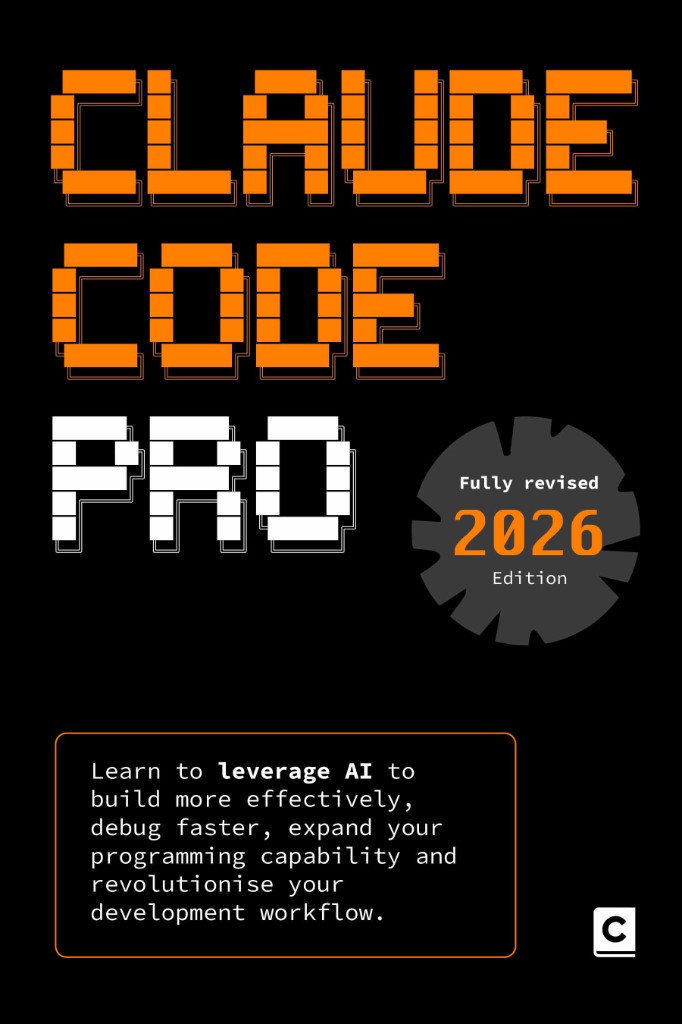
Learn to leverage AI using natural language CLI prompts to build more effectively, debug faster, expand your programming capability and revolutionise your development workflow.
View book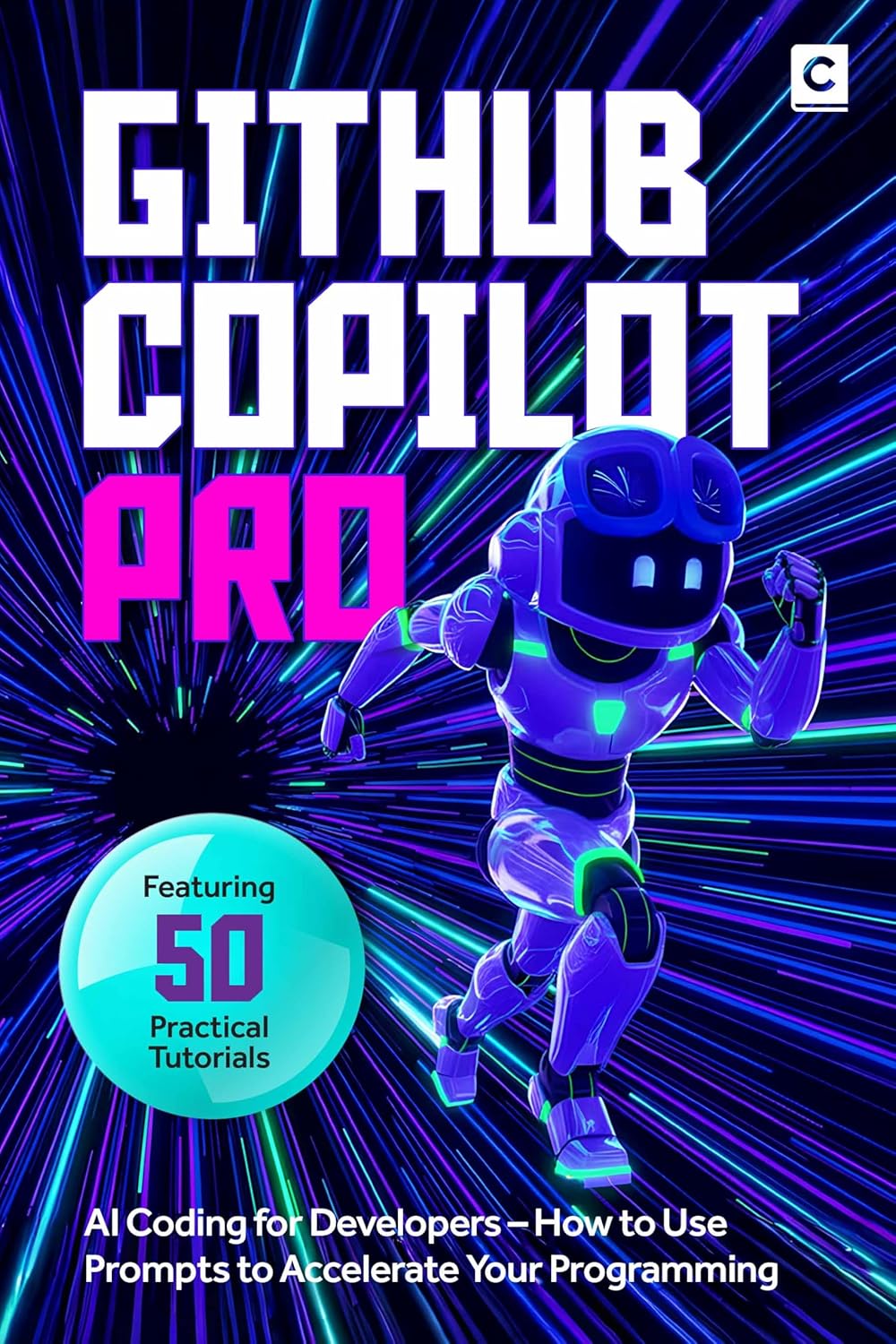
Master Advanced GitHub Copilot – Agent Mode, Copilot CLI, Custom Instructions, MCP Servers, and Automated Code Review for Professional Software Teams
View book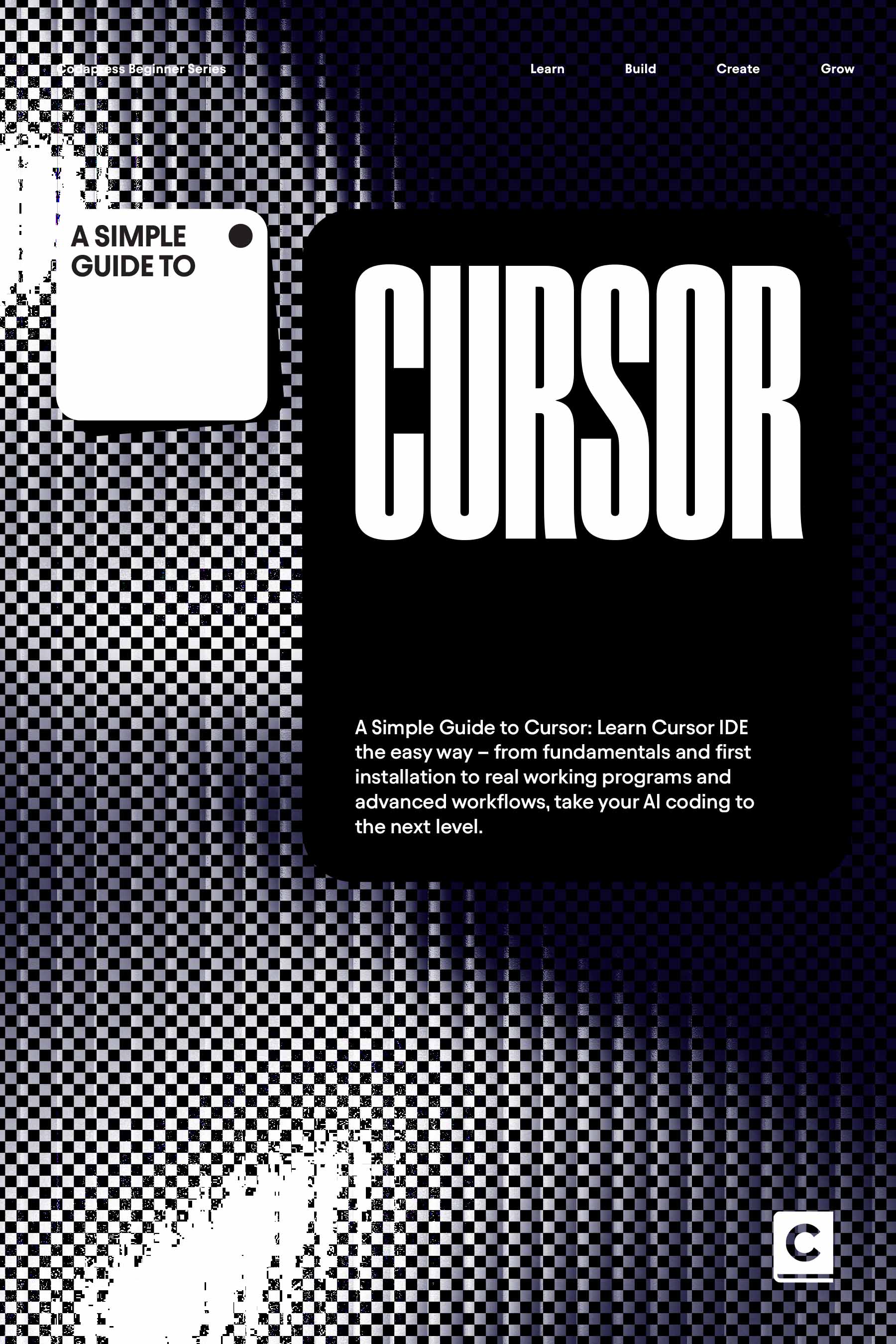
Learn Cursor the easy way – from IDE fundamentals and first installation to real working programms and advanced workflows, take your AI coding to the next level.
View bookMore insights
All ArticlesA simple guide to Vibe Coding
Learn what vibe coding is and run a practical first session — from a clear brief to a working preview you can steer yourself.
Read articleJavaScript for Vibe Coders: The Minimum You Need to Read What the AI Wrote
Learn just enough JavaScript to read AI-generated front-end code — variables, functions, DOM basics, and the red flags that mean you should ask again.
Read articleLearn Python with AI Without Skipping the Fundamentals
Use Copilot and chat to learn Python faster — without skipping syntax, debugging habits, or the fundamentals that make AI output trustworthy.
Read articleA 90-Day Roadmap for Rolling Out Agentic Coding on Your Team
Roll out agentic coding without the chaos — a phased plan that gives your team standards, governance, and a rollout pace they can actually sustain.
Read article