From Prompt to MVP: A Realistic Timeline for Non-Technical Founders
A week-by-week timeline for turning an idea into a working prototype using AI coding tools — without writing a line of traditional code yourself.
The gap between having an idea and holding a working product has never been narrower. Tools like ChatGPT, Claude, Cursor, and Copilot let you generate functional software from natural language descriptions. But speed without a plan produces chaos, not a business. This timeline breaks down what a non-technical founder can realistically achieve in four weeks — and where the shortcuts actually work.
Own this page’s intent: founder business path — a week-by-week MVP timeline from idea to public prototype. For a single tactical build (one page, step by step), use Your First Landing Page with AI instead. Do not treat that tutorial and this timeline as interchangeable SERP targets.
Week 1: Scope before you prompt
The most common mistake founders make is opening a chat and typing “build my startup”. The model produces something generic, the founder gets discouraged, and the idea stalls. Week one is about preparation, not code generation.
Define your MVP boundary
Write down exactly what your prototype must do to prove the concept. A single user flow — not every feature from your roadmap. A good MVP test looks like this:
- A user can sign up
- They perform one core action (upload, search, configure, order)
- They see a result that proves the concept
Everything else — dashboards, analytics, admin panels, email notifications — is scope creep until the core loop works.
Choose your tools
Not every AI coding tool suits every project. Here is how the most common options compare for non-technical founders:
| Tool | Best for | Learning curve |
|---|---|---|
| Lovable | Full-stack web apps from chat | Low — browser-based, no install |
| Cursor | Code editor with AI inline | Medium — feels like VS Code |
| Claude Code | Terminal-based agentic coding | Medium — requires basic terminal comfort |
| ChatGPT / Claude chat | Prototypes, scripts, single pages | Low — no setup required |
| Replit Agent | Full-stack apps in browser | Low — handles hosting too |
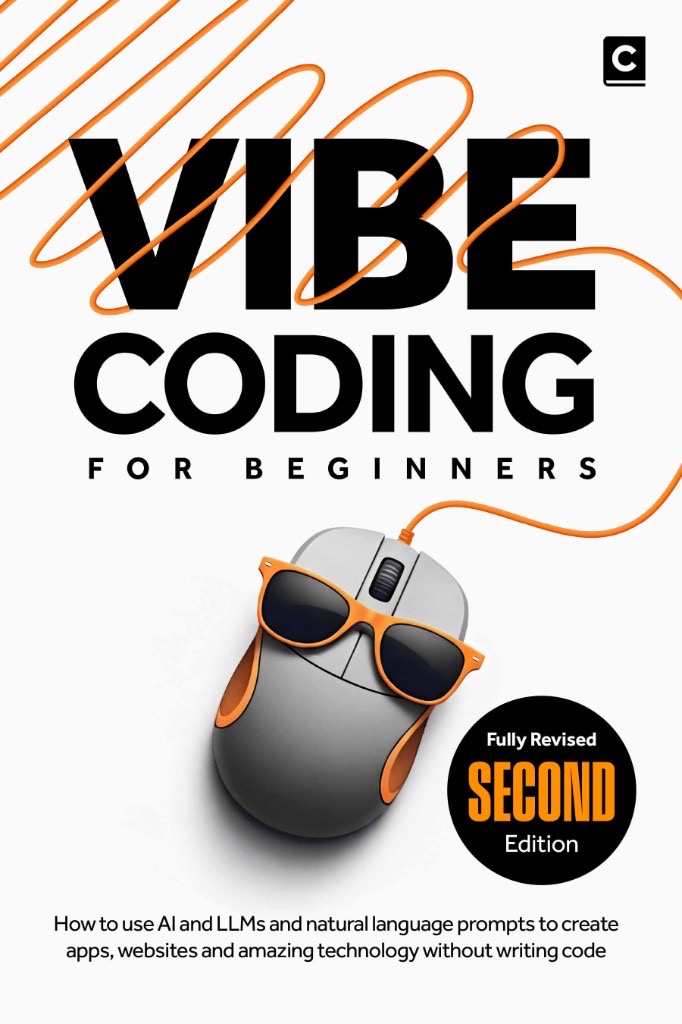
If you have never written code, start with Lovable or Replit — they handle hosting and deployment so you focus on product logic. For a structured introduction from zero, see Vibe Coding for Beginners.
Document your idea in a brief
Before you prompt an AI, write a one-page brief covering:
- The problem your app solves (one sentence)
- Who it is for
- The single user flow described above
- What success looks like (e.g., “five test users complete the flow without hand-holding”)
This document becomes the prompt you paste into every AI session. It keeps the model focused on your actual goal rather than guessing.
Week 2: Build the first working version
With your brief ready, week two is about speed. Your goal is a running URL that someone can open on their phone.
Day 1–2: Generate the scaffold
Paste your brief into your chosen tool. This prompt works well as a starting point:
Build a web application for [your idea].

Brief:
- Problem: [one sentence]
- Users: [describe your target user]
- Core flow: user signs up, then [performs the key action], then sees [the result]

Constraints:
- Use [chosen stack — e.g., Supabase + React]
- Mobile-responsive design
- Include error states and loading indicators
- No hard-coded data — use a real database

Give me a running version I can open in a browser, then pause so I can review the full structure before we continue.
Most tools will generate a complete scaffold in a single session. You will have sign-up, a basic database, and the start of your core flow. It will not be pretty, but it will be real.
Day 3–4: Iterate the core flow
Run through your core flow yourself. Note every place where it breaks, looks wrong, or feels confusing. Then paste your observations back into the chat:
- “The sign-up form does not validate email format”
- “After logging in, the page is blank for three seconds”
- “The upload button does not show a progress bar”
Each fix takes one or two prompts. Within two days the core flow should work end to end.
Day 5–7: Recruit test users
Send the URL to three people who match your target audience. Watch them use it without explaining anything. The Mom Test methodology explains why watching users struggle teaches more than asking what they think.
Week 3: Feedback and iteration
Test users will find issues you never considered. Week three turns that feedback into product improvements.
Prioritise by impact
| Feedback type | Example | Action |
|---|---|---|
| Cannot complete the core flow | Upload fails silently | Fix immediately |
| Confusing navigation | ”Where is the save button?” | Clarify UI text or layout |
| Missing feature request | ”I want to export to PDF” | Log for later — not MVP |
| Cosmetic complaint | ”The font is too small” | Tweak if quick; defer if complex |
Run each fix through your AI tool. Most UI changes take a single prompt. Schema changes (adding a field, modifying a table) take two or three because they touch the database, the API, and the frontend.
When the AI hits a limit
Some problems are genuinely hard for AI coding tools — complex state management, performance optimisation, or third-party integrations with poor documentation. When you hit one, you have three options:
- Rephrase the prompt with more context about the error
- Split the problem into smaller pieces and tackle each one separately
- Accept the limitation and ship without it
Knowing when to stop is a superpower. An MVP is not your final product. It is the minimum version that proves the idea. If a feature takes more than three prompts to get right, ship without it and validate the rest.
Week 4: Polish and launch preparation
The final week turns your working prototype into something you can share publicly.
Essential polish
- Custom domain — set up a subdomain or buy a new one
- Error handling — every API call shows a helpful message on failure
- Loading states — users should never see a blank screen
- Mobile responsiveness — test on a phone, not just a desktop
- Basic onboarding — a welcome screen or tooltip for first-time users
Deploy
Most browser-based tools give you a public URL automatically. If you used Cursor or Claude Code locally, deploy through Vercel or Railway. The Vercel deployment docs are a reliable starting point.
Prepare your pitch
An MVP is worthless if nobody sees it. Write a short launch post:
- What the app does (one line)
- Who it is for
- A link to try it
- What you are looking for (feedback, beta users, co-founders)
Post it on LinkedIn, X (Twitter), or a relevant community. Share it in three niche communities where your target audience already hangs out.
What realistic success looks like
After four weeks, you should have:
- A working web app at a public URL
- 3–5 test users who have completed the core flow
- A list of the top five things you would fix next
- Evidence of whether the idea resonates (people sign up, use it, come back)
You will not have a polished product, paying customers, or venture funding. MVPs are not supposed to deliver those. They are supposed to deliver data — and four weeks is enough to get it.
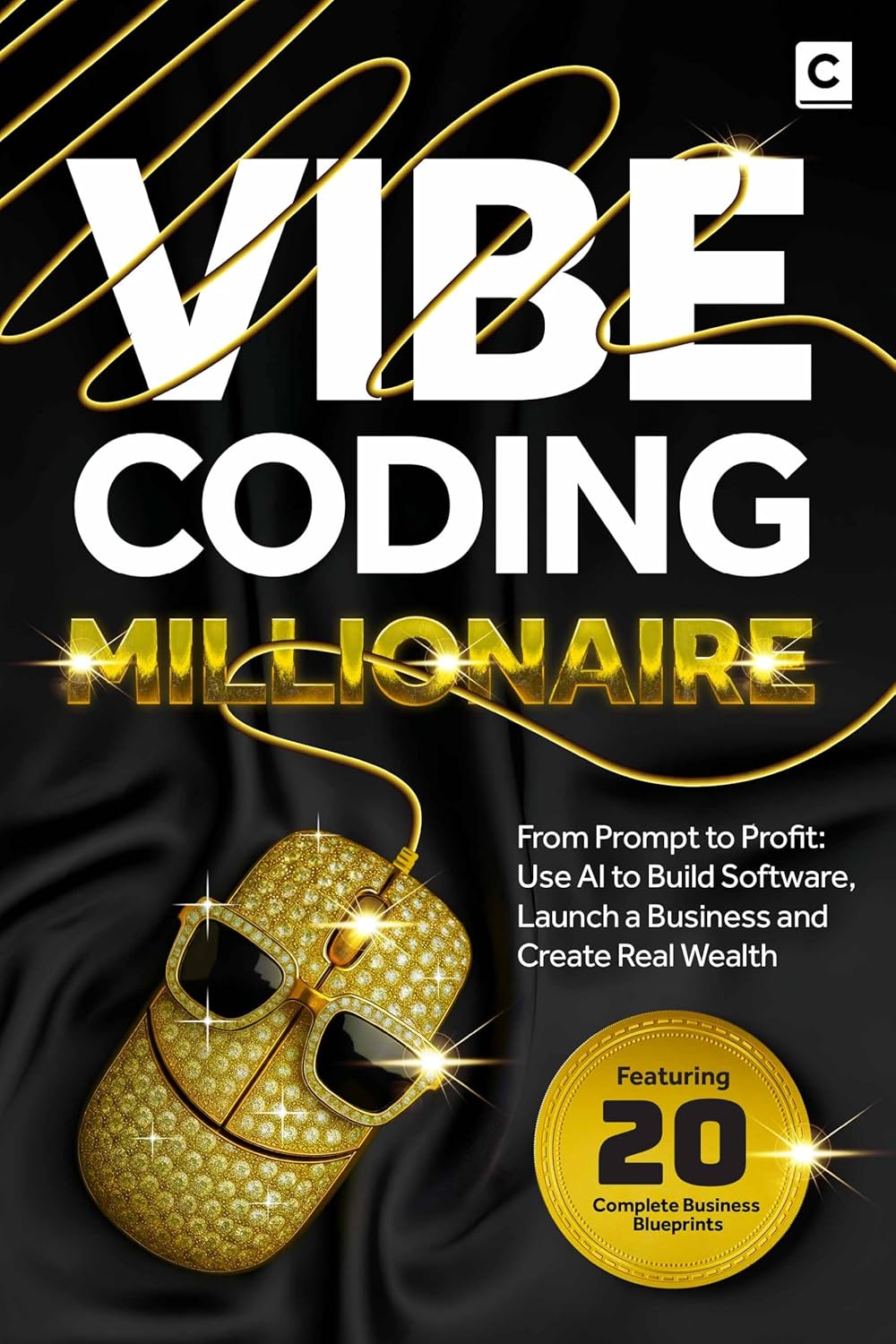
For a deeper guide on monetising AI-built software and scaling beyond the prototype stage, see Vibe Coding Millionaire.
The real timeline is shorter than you think
The gap between idea and prototype has shrunk from months to weeks. Non-technical founders who scope tightly, iterate relentlessly, and ship before they feel ready have never had more leverage. The only thing standing between you and a working MVP is the discipline to follow the timeline — and the courage to show people what you built.
Further reading
More insights
All ArticlesJavaScript for Vibe Coders: The Minimum You Need to Read What the AI Wrote
Learn just enough JavaScript to read AI-generated front-end code — variables, functions, DOM basics, and the red flags that mean you should ask again.
Read articleLearn Python with AI Without Skipping the Fundamentals
Use Copilot and chat to learn Python faster — without skipping syntax, debugging habits, or the fundamentals that make AI output trustworthy.
Read articleA 90-Day Roadmap for Rolling Out Agentic Coding on Your Team
Roll out agentic coding without the chaos — a phased plan that gives your team standards, governance, and a rollout pace they can actually sustain.
Read articleContext Windows, Memory, and Why Your AI Keeps "Forgetting" the Project
Discover why your AI loses track of your project mid-session and how context windows, memory files, and smart prompting keep conversations on track.
Read article