From Prototype to Test Environment: What Changes When Your AI App Gets Real
Moving your AI-built prototype to a real staging environment is less intimidating than it sounds — here is what actually changes and how to do it without the jargon.
You have a prototype that works on your machine. Now you need someone else to try it — or worse, you need to show it to people who expect it to keep working. That is when the gap between a local prototype and a proper test environment starts to show.
The jump from “works on my machine” to “lives on a server” sounds bigger than it is. Most of what changes falls into a handful of categories you can handle one at a time.
What a prototype is (and what it is not)
A prototype built with AI tools is a proof of concept. It proves your idea can work. It does not prove your idea will keep working when a database connection drops, an API rate-limit kicks in, or a second person opens the same page at the same time.
That is fine. Prototypes are supposed to be fragile. The problem is that many side projects stall at this stage because the next step feels like infrastructure — and infrastructure sounds like a job for someone with a DevOps title.
It is not. The changes are mechanical, not architectural. You can make them with the same AI assistant that wrote the prototype.
The staging checklist: four things that change
When you move a prototype to a test environment, almost every change fits into one of four categories:
| What changes | Prototype (local) | Test environment (staging) |
|---|---|---|
| Configuration | Hardcoded in source files | Loaded from environment variables |
| Secrets | Pasted into code or .env | Managed through the platform dashboard |
| Storage | SQLite or in-memory data | A real database service |
| Error visibility | Printed to your terminal | Logged where you can find them later |
Each of these is a single, contained task. You can do them in any order, and you can ask your AI assistant to help with every single one.
Environment variables: your first real config
Your prototype probably has values like this scattered through the source:
API_URL = "https://api.openai.com/v1"
DATABASE_PATH = "./dev.db"
SECRET_KEY = "sk-abc123"
The first thing to do is pull every value that changes between environments into a configuration layer. The industry standard is environment variables — short key-value pairs your operating system or hosting platform provides at runtime.
Ask your AI tool to refactor those hardcoded values. Here is the kind of prompt that works:
I have a Python FastAPI app with API keys, database URLs, and other config values hardcoded in my main.py. Please refactor it so all configuration comes from environment variables using python-dotenv. Show me what the .env.example file should look like and update main.py to use os.getenv() for each value.

My current hardcoded values are:
- OPENAI_API_KEY = "sk-..."
- DATABASE_URL = "sqlite:///dev.db"
- DEBUG = True
Once the refactor is done, commit the code changes and keep the .env file in your .gitignore. The platform where you deploy — Render, Railway, Fly.io, or even a VPS — will have its own place to set those values without touching your source files.
Authentication and API keys: no more hard-coding
The same principle applies to every key and token your app uses. If you have been pasting API keys directly into your source code during the prototype phase — and almost everyone does — now is the time to move them out.
The Twelve-Factor App methodology calls this “store config in the environment”. It is one of the few rules worth following even for a side project. When your keys live in environment variables, you can:
- Use different keys for staging and production
- Rotate a compromised key without touching your code
- Share your code on GitHub without exposing secrets
Most hosting platforms provide a dashboard where you add environment variables. Some also offer a secrets manager for more sensitive values. Use whichever is simplest.
Database: from local to persistent
Local prototypes often use SQLite — a file-based database that needs no setup. It is perfect for development and terrible for anything other people rely on. SQLite cannot handle concurrent writes, has no access control, and disappears if you redeploy.
Moving to a real database — PostgreSQL is the default choice — means changing your connection string and making sure your AI-generated queries are still compatible. This is usually a five-minute change:
# Before (local prototype)
DATABASE_URL = "sqlite:///dev.db"

# After (staging)
DATABASE_URL = os.getenv("DATABASE_URL")
The bigger consideration is that your database now lives on a separate service. Connection strings, SSL requirements, and migration tooling all need to be configured. Most platforms offer a one-click PostgreSQL add-on. If yours does, use it.
You will also need to think about schema migrations. Your prototype probably created tables on startup or assumed they already existed. A staging environment needs explicit migrations so you can make changes without dropping data. Ask your AI to set up Alembic (for Python) or Prisma (for Node) — both generate migration files from your existing models.
Vibe Coding Pro covers staging and deployment patterns in more detail.
Error handling: what the AI did not write
AI coding tools are great at generating the happy path. They write the function that works when everything goes right. They rarely write the code that catches what happens when a request times out, a database row is missing, or a third-party API returns a 429 rate-limit response.
This is the area where prototypes feel most fragile. Your test environment will expose every unhandled exception — because real users and real data find edge cases your local testing never will.
The fix is not to write perfect error handling up front. It is to add logging so you can see what broke:
Add structured logging to this FastAPI app using Python's logging module. Log every request with its method, path, status code, and duration. Log every database query that takes longer than 500ms. Write logs to stdout in JSON format so they work with cloud log collectors.

Do not change the existing business logic. Only add the logging middleware and configuration.
Once your app logs to stdout, any cloud platform captures those logs automatically. You can browse them in the dashboard instead of scrolling a terminal window that disappeared when you closed your laptop.
A practical workflow for the transition
If your prototype is still on your machine, here is a one-afternoon plan to get it into a test environment:
- Move config to environment variables — Ask your AI to refactor every hardcoded value. Commit the cleaned code.
- Deploy to a platform — Pick Render, Railway, or Fly.io. Connect your Git repo. The platform builds and deploys automatically.
- Set your environment variables — Paste your API keys and database URL into the platform dashboard.
- Add a real database — Provision the platform’s PostgreSQL add-on and update your connection string.
- Add logging — Add the middleware from the prompt above. Redeploy.
Step two is the one that feels intimidating, but platforms like Render have a “deploy from GitHub” flow that handles everything — domain, SSL, build pipeline — in about ten clicks. For a guided walkthrough aimed at absolute beginners, Vibe Coding for Beginners walks through the first deployment from scratch.
The gap is smaller than you think
Every project reaches the moment where “works on my machine” stops being good enough. The changes that separate a prototype from a proper test environment are not deep architectural rewrites. They are mechanical, repeatable steps — extract config, add logging, swap the database — that you can handle in an afternoon with your AI assistant writing most of the code.
The hardest part is deciding to do it. After that, it is just one prompt at a time.
Further reading
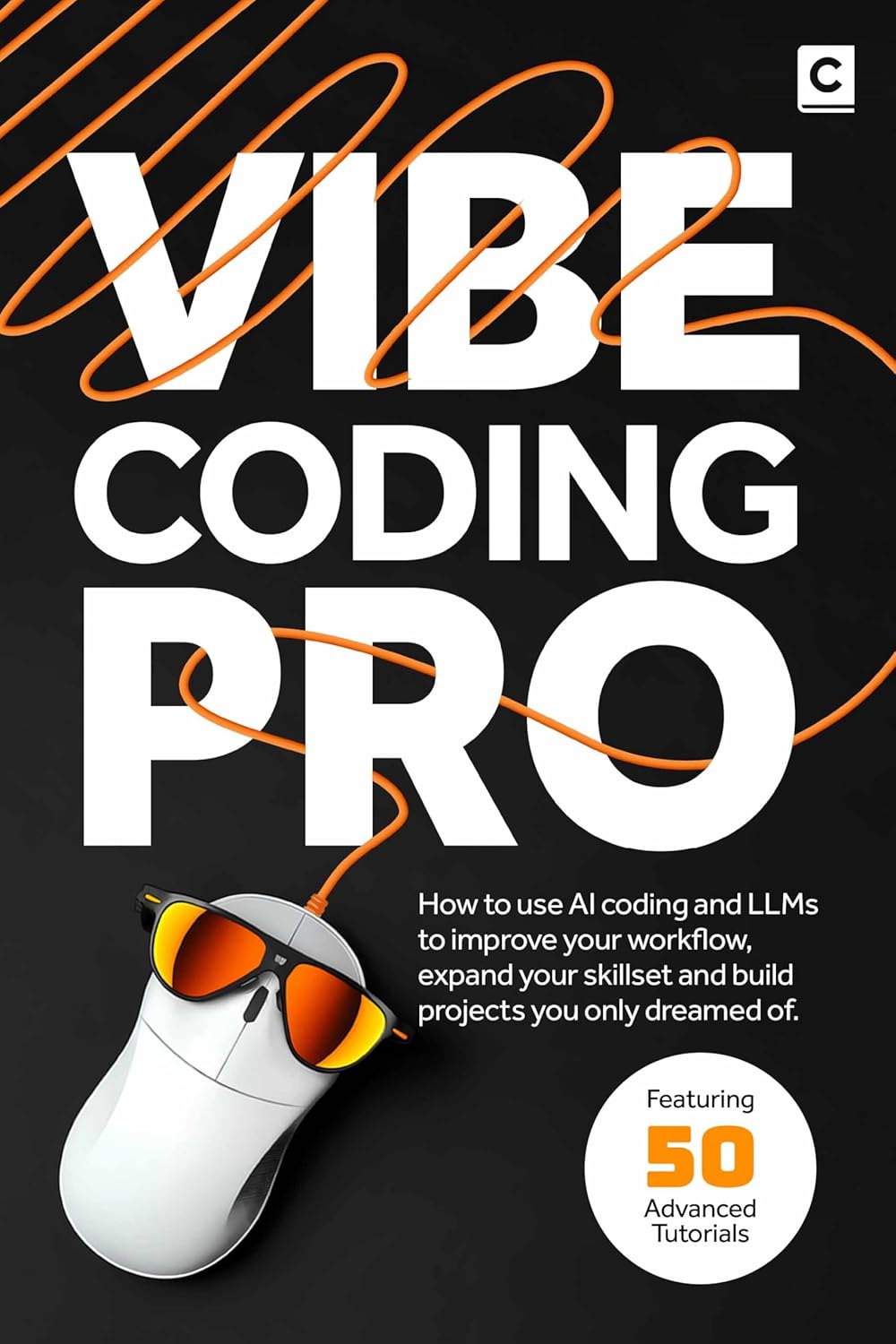
How to use AI coding and LLMs to improve your workflow, expand your skillset and build projects you only dreamed of.
View book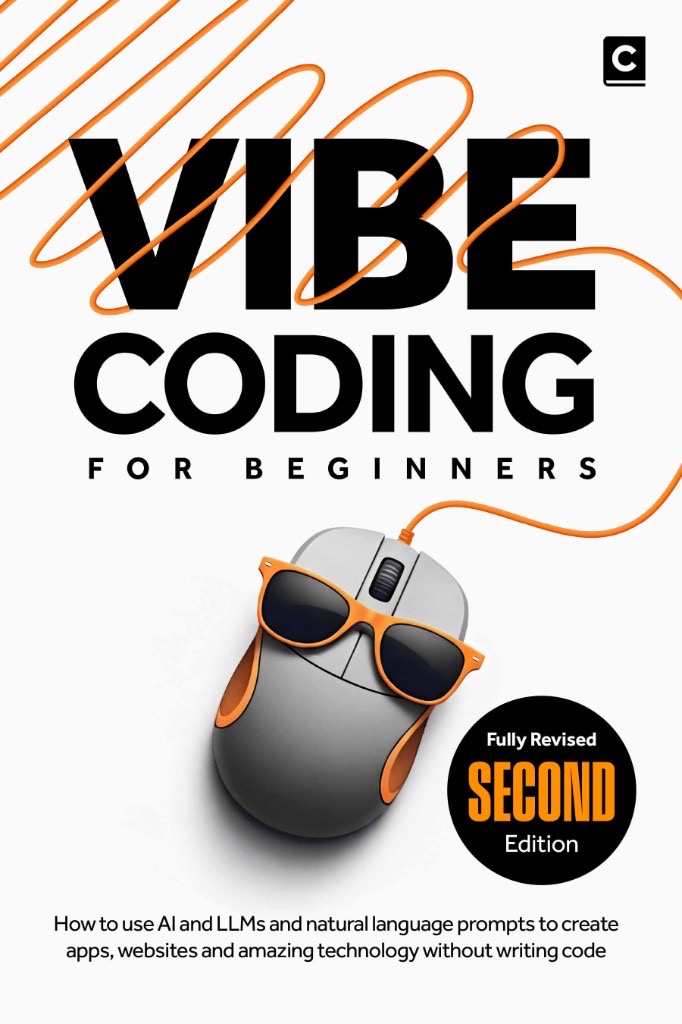
How to use AI and LLMs to create apps, websites and amazing technology — without needing to be a programmer or write code from scratch
View bookMore insights
All ArticlesJavaScript for Vibe Coders: The Minimum You Need to Read What the AI Wrote
Learn just enough JavaScript to read AI-generated front-end code — variables, functions, DOM basics, and the red flags that mean you should ask again.
Read articleLearn Python with AI Without Skipping the Fundamentals
Use Copilot and chat to learn Python faster — without skipping syntax, debugging habits, or the fundamentals that make AI output trustworthy.
Read articleA 90-Day Roadmap for Rolling Out Agentic Coding on Your Team
Roll out agentic coding without the chaos — a phased plan that gives your team standards, governance, and a rollout pace they can actually sustain.
Read articleContext Windows, Memory, and Why Your AI Keeps "Forgetting" the Project
Discover why your AI loses track of your project mid-session and how context windows, memory files, and smart prompting keep conversations on track.
Read article