Retro Games with AI: How Vibe Coding Makes Classic Genres Accessible
Turn your fondness for pixel art and chiptunes into playable prototypes — with AI handling the heavy lifting so you can focus on the fun stuff.
The natural fit
Retro games enforce tight constraints: limited colour palettes, fixed resolutions, and simple physics. These boundaries make them ideal for AI generation because the scope is bounded and the mechanics are well-documented. Instead of staring at a blank editor, you describe the game you remember and watch the code take shape.
Vibe coding removes the cold start. You no longer need to set up a game loop or configure a canvas from scratch — a single prompt scaffolds the project, leaving you to tweak the feel and balance.
What you bring vs what the AI brings
The partnership works because each side plays to its strengths.
| You bring | The AI brings |
|---|---|
| Genre knowledge and design taste | Implementation speed and boilerplate |
| Creative vision and game-feel judgement | Syntax correctness and framework awareness |
| Memory of how the original played | Cross-platform rendering setup |
| Patience for iterative tuning | Rapid scaffolding of new features |
| Publishing know-how for your platform | Language-appropriate patterns and structure |
The division is simple: you decide what makes the game fun; the AI writes the code that makes it work.
Platformers: running and jumping
Side-scrolling platformers are the gateway drug of retro game development. The core mechanic — run, jump, land on enemies — is simple to describe but fiddly to code by hand. With an AI assistant, you skip straight to the tuning.
Build a side-scrolling platformer in a single HTML file with embedded CSS and JavaScript. Use Canvas for rendering.

Requirements:
- A player character that moves left and right with arrow keys and jumps with the space bar
- At least three floating platforms at different heights
- A scrolling background colour gradient that shifts as the player moves right
- A simple enemy that patrols back and forth on one platform
- Collision detection that kills the enemy when the player lands on top
- A score counter that increments for each enemy defeated
- Pixel-art-style character drawn with simple coloured rectangles (no sprite sheets)

Start with the player on the left, a ground platform across the bottom, and the camera following the player once they move past the centre of the screen.
This prompt produces a working browser game in under thirty seconds. From there you adjust jump height, gravity, and enemy speed until it feels right — all by describing tweaks in plain language.
Shoot ‘em ups: waves and patterns
The shoot ‘em up (shmup) genre is built on predictable enemy patterns, escalating waves, and a single-screen playing field — all of which map cleanly onto what large language models handle well: loops, arrays, and timers.
Create a vertical scrolling shooter in a single HTML file. The player ship sits at the bottom, controlled with arrow keys. The space bar fires bullets upward.

Enemies appear in waves from the top of the screen. Each wave has a different formation pattern:
- Wave 1: three enemies in a horizontal line descending together
- Wave 2: five enemies in a V formation diving diagonally
- Wave 3: a large enemy with twice the health that fires back

Add a power-up that drops from destroyed enemies every few kills. The power-up doubles the player's fire rate for five seconds. Display the current score and wave number in the top-left corner.
The strength of this approach becomes clear when you add a new enemy type. Instead of writing collision logic from memory, you describe the behaviour — “enemies that split into two smaller ships when destroyed” — and the AI generates the logic. The Wikipedia entry for shoot ‘em ups traces the genre back to Space Invaders (1978), showing these patterns have been refined for nearly fifty years.
Puzzle games: state and scoring
Puzzle games like Tetris, Breakout, and match-three titles depend on managing state — tracking the board, checking for completed rows, and applying rules every frame. This logic-heavy structure is well suited to AI generation because the rules are discrete and testable.
A basic Breakout clone requires collision detection between a ball, a paddle, and a grid of bricks. Here is the core loop the AI will generate:
function update() {
  ball.x += ball.vx;
  ball.y += ball.vy;

  // Wall bounce
  if (ball.x < 0 || ball.x > canvas.width) ball.vx *= -1;
  if (ball.y < 0) ball.vy *= -1;

  // Paddle collision
  if (ball.collidesWith(paddle)) ball.vy *= -1;

  // Brick collision
  for (let brick of bricks) {
    if (ball.collidesWith(brick)) {
      bricks.splice(bricks.indexOf(brick), 1);
      ball.vy *= -1;
      score += 10;
    }
  }

  // Game over
  if (ball.y > canvas.height) gameOver();
}
Once the loop is running, you can ask for power-ups, persistent high scores, or a level generator. The MDN Canvas tutorial is a useful reference if you want to understand the rendering layer the AI builds on.
Building a complete game loop
A game that keeps players coming back needs more than a single screen. Three elements separate a demo from something you would share:
Progression. Each level or wave should be harder than the last — faster enemies, denser patterns, tighter timers. Ask the AI to introduce difficulty scaling after the basic game works.
Feedback. Score pop-ups, screen shake on collision, flashing sprites when hit — these micro-interactions make the game feel responsive. Prompt for them one at a time rather than all at once.
Persistence. A high-score table stored in localStorage adds replayability in about ten lines of code. Most AI assistants will offer this unprompted if you mention “save the high score”.
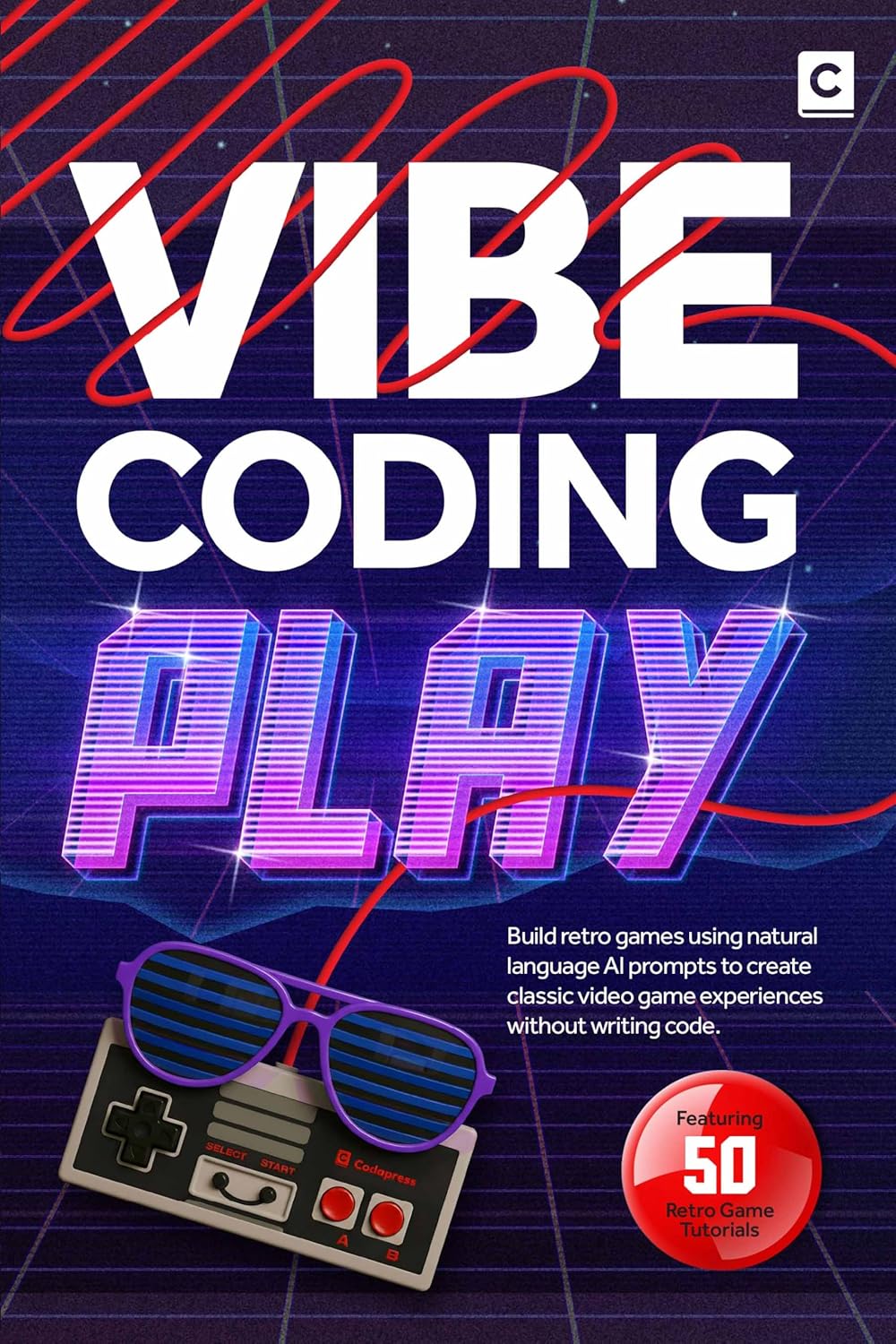
Larger walkthroughs for chaining these features are covered in Vibe Coding Play, which traces builds from prompt to publishable game.
Prompting for different genres
The prompt patterns differ slightly by genre. Here is a quick reference for the most common retro categories:
| Genre | Key prompt elements | What the AI generates first |
|---|---|---|
| Platformer | Gravity, collision, camera follow | Game loop with player physics |
| Shmup | Wave system, bullet pool, formations | Enemy spawner and bullet manager |
| Puzzle game | Grid state, rule checks, scoring | Board renderer and match logic |
| Roguelike | Procedural generation, turn-based movement | Room generator and player controller |
| Maze chase | Pathfinding, pellet grid, ghost AI | Map renderer and collision map |
Each of these can be built as a single HTML file with embedded CSS and JavaScript. No build tools, no package managers — just a browser and an AI assistant.
From prototype to something you would share
The jump from “it works” to “it is fun” is where most projects stall, but vibe coding keeps iteration fast. Want a floatier jump arc? Say so in plain language and the AI adjusts the parameters.
Once the game feels right, consider:
- Adding title and game-over screens — prompt for the state machine that switches between them
- Tuning the colour palette to match the retro era you are homaging — NES greens, arcade neon, or early PC amber-on-black
- Exporting the final HTML file — it runs standalone, no server required
The Vibe Coding Play guide covers packaging and sharing in more depth.
Make something you would have played at the arcade
Retro game constraints and AI-assisted generation are a productive combination. The genres are well-understood, the scope is naturally limited, and the feedback loop — prompt, run, tweak — sustains momentum across a weekend.
You know what a good platformer or shmup feels like. Now you have a tool that writes the boilerplate so you can focus on the feel. Pick a genre from the table above and prompt the first version.
Further reading
More insights
All ArticlesA simple guide to Vibe Coding
Learn what vibe coding is and run a practical first session — from a clear brief to a working preview you can steer yourself.
Read articleJavaScript for Vibe Coders: The Minimum You Need to Read What the AI Wrote
Learn just enough JavaScript to read AI-generated front-end code — variables, functions, DOM basics, and the red flags that mean you should ask again.
Read articleLearn Python with AI Without Skipping the Fundamentals
Use Copilot and chat to learn Python faster — without skipping syntax, debugging habits, or the fundamentals that make AI output trustworthy.
Read articleA 90-Day Roadmap for Rolling Out Agentic Coding on Your Team
Roll out agentic coding without the chaos — a phased plan that gives your team standards, governance, and a rollout pace they can actually sustain.
Read article