Vibe Coding vs Pair Programming: Which Workflow Fits Your Task?
Not every task suits the hands-off rhythm of vibe coding, and not every one needs a human beside you — here is how to match the workflow to the job.
You have two ways to build software today: you can lean back, prompt an AI, and steer the output until it feels right — or you can sit shoulder-to-shoulder with another developer, talking through every decision as you type. Both produce working code. Both have passionate advocates. But they serve different moments in a project, and treating them as interchangeable leads to frustration on one side and wasted potential on the other.
Own this page’s intent: workflow mode comparison — vibe coding versus human pair programming for a given task. It does not answer “should I hire a developer?” (When to Call in a Developer) or “which tasks should an engineer delegate to an agent?” (When to Delegate a Feature to an AI Agent).
The two workflows at a glance
Vibe coding pairs you with a language model that drafts, iterates, and explains on demand. You bring the idea and the judgement; the AI brings speed and breadth across languages and frameworks. Pair programming pairs you with another human who navigates, spots blind spots, and shares real-world experience. The rhythm is slower, but the decisions are deeper.
| Vibe coding | Pair programming | |
|---|---|---|
| Partner | AI language model | Another developer |
| Rhythm | Prompt, review, refine | Discuss, agree, type |
| Best for | Prototypes, solo builds, exploration | Architecture, security, complex refactoring |
| Skills you need | Clear communication, basic testing instinct | Shared language and domain context |
| Cost | API tokens or subscription fee | Another person’s available time |
| Output consistency | Variable — you are the quality gate | Higher through live peer review |
Neither is objectively better. The question is which one fits the task in front of you.
When vibe coding wins
Side projects live on velocity. Nothing kills momentum faster than waiting for a collaborator to be free. Vibe coding removes that delay.
Exploration and prototyping. When testing an idea you are not sure will work — a new UI concept, a data visualisation, a game mechanic — vibe coding lets you validate it in minutes. You describe the direction, the model returns a draft, and you decide whether to keep digging. If the answer is no, you lost a few tokens.
A strong opening prompt gives the model the project scope, constraints, and style in one shot. Instead of ten back-and-forth messages, you get a working first draft.
You are helping me build a side project: a habit tracker that stores data in the browser using localStorage only.

The app should:
- Let me add a new habit with a name and a daily checkbox
- Show a 30-day grid view with green squares for completed days
- Work offline from the first load

Tech constraints:
- Vanilla JavaScript (no frameworks)
- CSS Grid for layout
- Single HTML file — no bundler

Start with a plan, then write the full file.
The HTML arrives ready to preview:
<!DOCTYPE html>
<html lang="en">
<head>
  <meta charset="UTF-8">
  <meta name="viewport" content="width=device-width, initial-scale=1">
  <title>Habit Tracker</title>
  <style>
    body { font-family: system-ui, sans-serif; max-width: 800px; margin: 2rem auto; padding: 0 1rem; }
    .grid { display: grid; grid-template-columns: repeat(30, 1fr); gap: 4px; }
    .day { aspect-ratio: 1; border-radius: 4px; background: #e5e7eb; }
    .day.completed { background: #22c55e; }
  </style>
</head>
<body>
  <h1>Habit Tracker</h1>
  <form id="habit-form">
    <input type="text" id="habit-name" placeholder="New habit..." required>
    <button type="submit">Add</button>
  </form>
  <div id="habits"></div>
  <script src="app.js"></script>
</body>
</html>
The layout, persistence, and offline structure arrive in one response — tweak the colours and move on.
Solo debugging. When a browser console error stalls your build, vibe coding is often faster than finding a human. Paste the error, show the relevant code, and ask for a fix. The model already has the context — no ramp-up required.
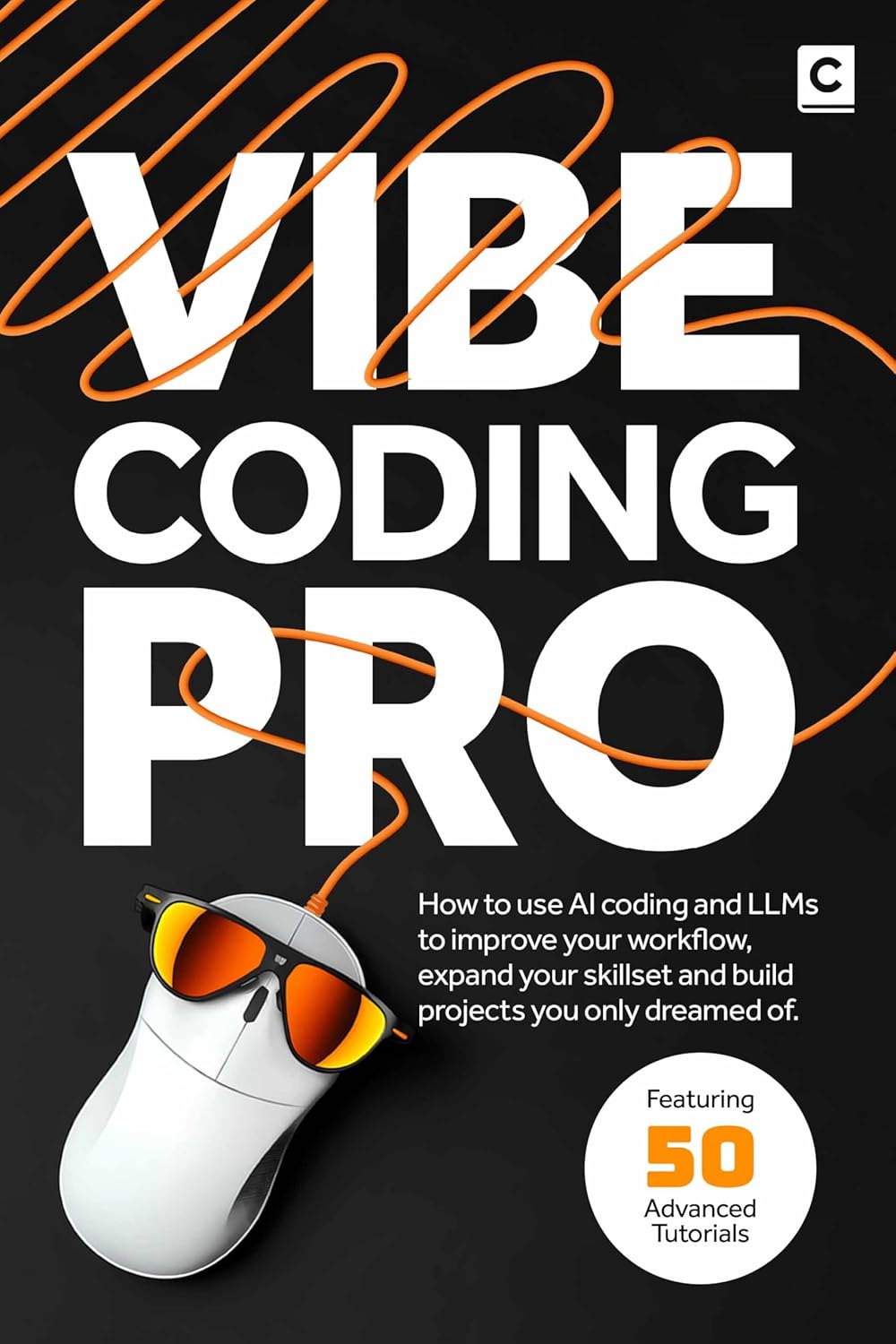
For prompt patterns and project walkthroughs using this approach, see Vibe Coding Pro.
When pair programming wins
Pair programming has decades of research behind it — it reduces defect rates and improves code quality at the cost of raw speed. Martin Fowler’s article captures the trade-offs well, noting that the real value lies in catching mistakes earlier.
Architecture and design decisions. When choosing between a relational database and a document store, or deciding how to split a monolith, a human partner brings experience the AI cannot fake. They know which pattern holds up at scale and which creates pain six months later.
Security and data handling. If your project collects names, emails, or payment details, the stakes change. An AI model might generate code that stores plain-text passwords or exposes an API key in client-side JavaScript — not from malice, but because it optimises for the happy path. A human pair catches those oversights before they become incidents.
Long-term maintainability. AI generates code that passes the current test. A human reviews for the next six months of changes — naming conventions, module boundaries, dependency choices that look reasonable today but create pain later. No context window, however large, replaces that judgement.
Complex refactoring. Moving from flat files to a structured component hierarchy, or swapping localStorage for a cloud backend, benefits from a collaborator who understands the existing codebase beyond what fits in a single prompt window.
A hybrid approach: vibe coding with human checkpoints
Most side projects do not need a full-time pair. They do benefit from periodic human input at the moments that matter most.
| Phase | Recommended workflow |
|---|---|
| Prototyping an idea | Vibe coding — explore fast, discard freely |
| Choosing the stack and structure | Brief human chat (30-minute call or messages) |
| Building features | Vibe coding — prompt, review, repeat |
| Debugging stubborn bugs | Vibe coding first; escalate to a human if stuck |
| Pre-launch review | Human code review — security, edge cases, UX |
| Maintenance and small fixes | Vibe coding for targeted changes |
| Major refactoring or migration | Human pair session |
Use the AI for speed during exploration, building, and routine changes. Reserve human time for decisions that benefit from experience and long-term thinking.
Even in a hybrid workflow, precise prompts keep sessions productive. Treat each prompt as you would a brief for a pair programming partner:
I have a working habit tracker in a single HTML file. Now I want to split it into three files: index.html, styles.css, and app.js.

Do not change the behaviour or layout. Move the CSS and JavaScript into their own files, update the references, and confirm the result still works when opened from the file system.
How to decide for your next build
Next time you sit down to code, run through three questions before you pick a workflow.
- How certain am I about the solution? If the answer is “not very,” start with vibe coding to explore options fast. Uncertainty is cheaper to resolve with tokens than with another person’s time.
- Does this touch user data, authentication, or money? If yes, schedule a human review before you ship. No AI model should be the final gate for sensitive code.
- Do I have a collaborator available right now? If not, vibe coding wins by default — but note the architecture decisions you made solo so a reviewer can audit them later.
These are guardrails, not rules — they help you avoid reaching for the wrong tool at the wrong moment.
The right tool for the moment
Vibe coding and pair programming are not competitors. They are complementary modes in the same craft. The skilled builder knows when to lean back and prompt, and when to pull up a chair and talk it through. Each has its place in a side project’s lifecycle, and the best results come from switching between them deliberately rather than defaulting to one out of habit.
For a structured guide to the vibe coding workflow — prompts, patterns, and 50 real projects — see Vibe Coding Pro.
Further reading
More insights
All ArticlesA simple guide to Vibe Coding
Learn what vibe coding is and run a practical first session — from a clear brief to a working preview you can steer yourself.
Read articleJavaScript for Vibe Coders: The Minimum You Need to Read What the AI Wrote
Learn just enough JavaScript to read AI-generated front-end code — variables, functions, DOM basics, and the red flags that mean you should ask again.
Read articleLearn Python with AI Without Skipping the Fundamentals
Use Copilot and chat to learn Python faster — without skipping syntax, debugging habits, or the fundamentals that make AI output trustworthy.
Read articleA 90-Day Roadmap for Rolling Out Agentic Coding on Your Team
Roll out agentic coding without the chaos — a phased plan that gives your team standards, governance, and a rollout pace they can actually sustain.
Read article